
Payment Options Overview
AI Overview
Compares paid and free services in Tipo Appointment Booking so you can choose how customers book. Paid services send customers through Shopify cart or checkout and create a standard order. Free services skip checkout and confirm the booking after the customer fills a simple form. The article shows each customer flow step by step.
View moreView less
- Free booking (no payment required) suits consultations, free trials, in-person payment and free classes.
- Free flow: customer picks a slot, fills the free service form, and confirms; no payment details are needed.
- Paid booking (Pay to book) suits limited-capacity classes, workshops, deposits and prepaid sessions.
- Paid flow: customer is redirected to cart or checkout, pays, and a standard Shopify order is created.
Summary generated by AI. It can make mistakes, so check the full guide below.
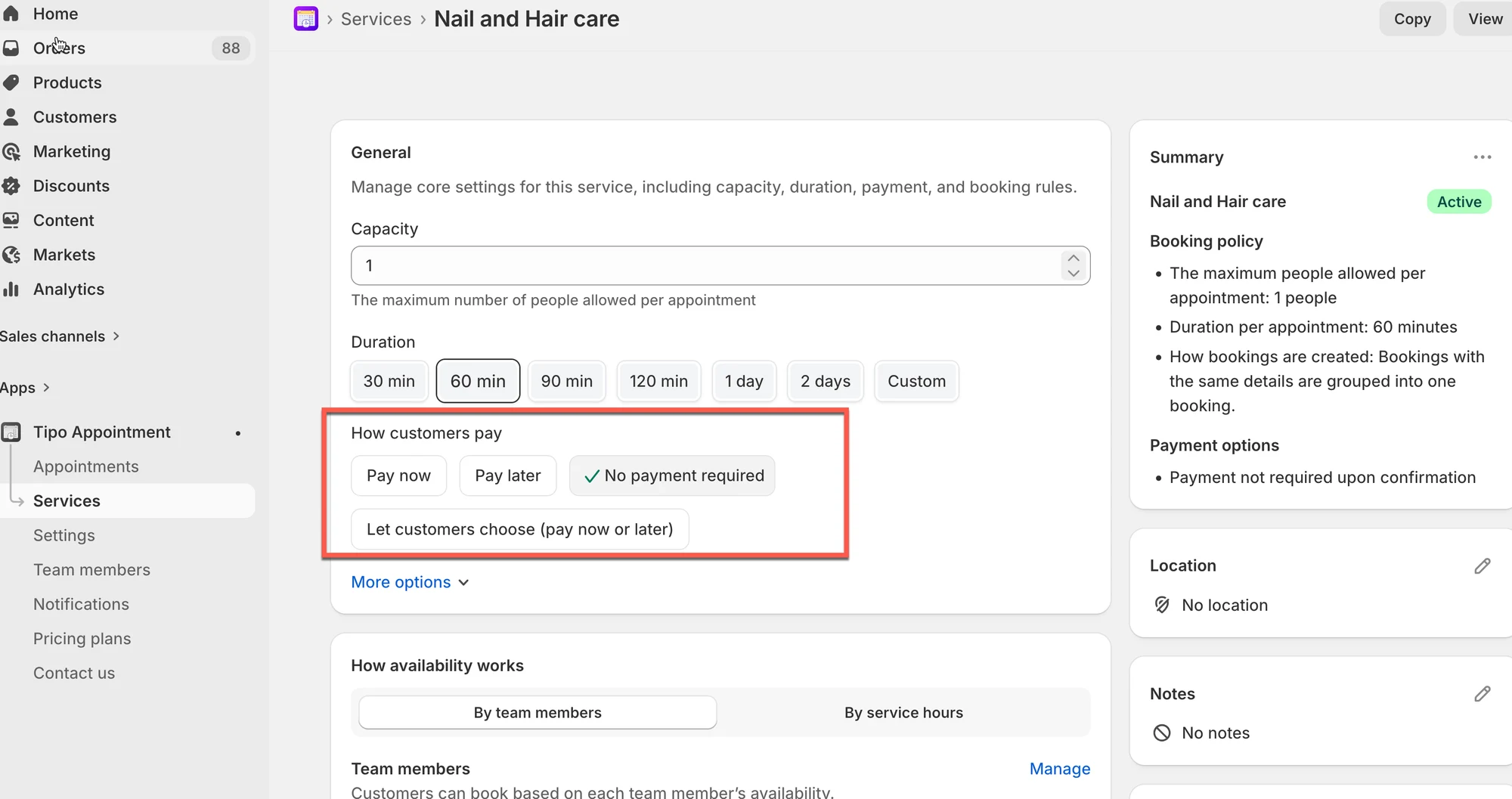
Customers can book your services with or without payment, depending on how you configure the service. This guide explains the difference and helps you choose the right option for your business.
ℹ️ Overview
Section titled “ℹ️ Overview”Tipo supports two types of services:
| Feature | Paid Service | Free Service |
|---|---|---|
| Requires Customer Payment? | ✔️ Yes (Customer must pay online) | ❌ No (Booking is free) |
| Customer Redirected to Checkout? | ✔️ Yes (Directed to cart or checkout page) | ❌ No (Bypasses the checkout process) |
| Shopify Order Created? | ✔️ Yes (A standard order is created upon purchase) | ✔️ Yes (An order is created for tracking, usually a “Pay later” or “Test-mode” order) |
| Customer Flow | Must complete the standard Shopify purchase flow | Completes instantly after filling out a simple free form |
| Useful For | Classes, charged services, rentals, and services requiring payment upfront | Free trials, consultations, shop visits, and informational appointments |
💡 Two Main Payment Modes
Section titled “💡 Two Main Payment Modes”1️⃣ Free Booking (No Payment Required)
Section titled “1️⃣ Free Booking (No Payment Required)”Customers confirm the appointment without paying online.
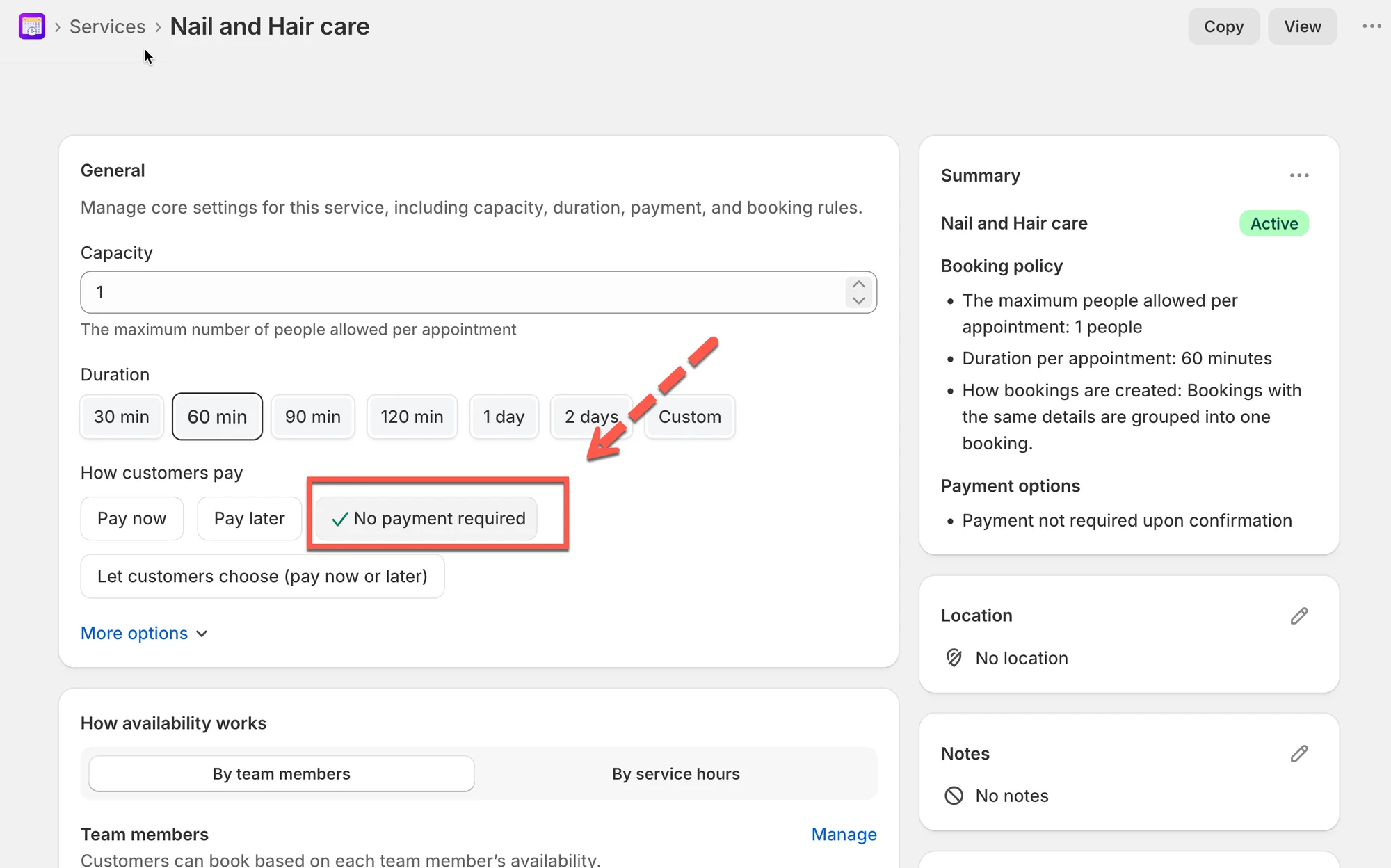
Best for:
- Consultations
- Try-before-you-buy services
- Businesses collecting payment in person
- Free community classes
Customer experience:
| Step | Action | Outcome |
|---|---|---|
| Click Book | Customer selects a time slot and clicks the book button. | |
| Fill Form | The customer is presented with the Free Service form (e.g., Name, Email, Phone). | No payment details are required. |
| Confirm | The customer clicks Confirm button. | The booking completes instantly, directing them to a confirmation screen. |
| Order Created | no order | no order |
Video
2️⃣ Paid Booking (Pay to book)
Section titled “2️⃣ Paid Booking (Pay to book)”Customers must complete checkout to secure their appointment.
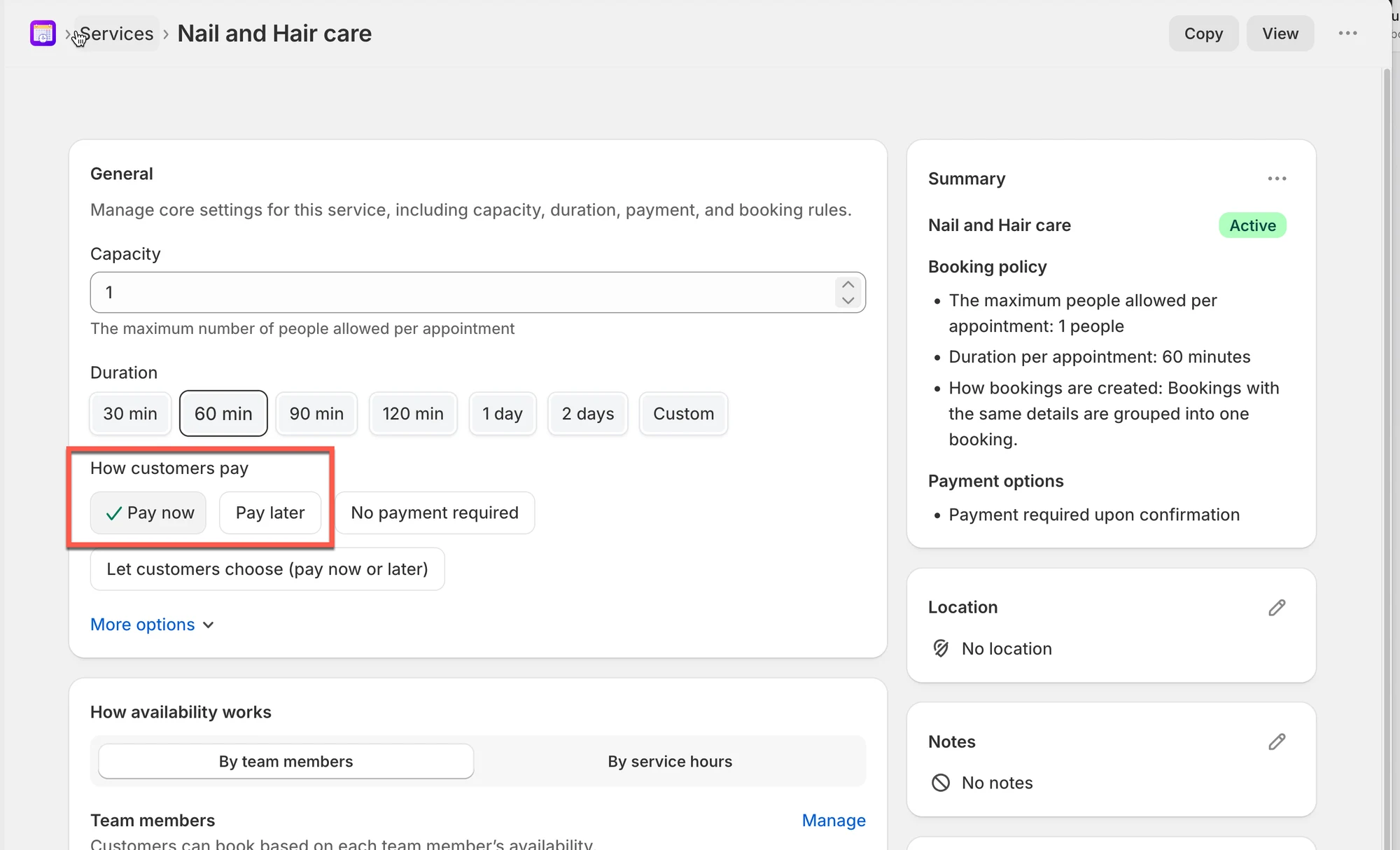
Best for:
- Appointments with limited capacity
- Classes or workshops
- Services requiring deposits
- Prepaid sessions
Customer experience:
| Step | Action | Outcome |
|---|---|---|
| Click Book | Customer selects a time slot and clicks the book button. | |
| Redirect to Checkout | The customer is redirected to the cart page or checkout page. | The service product is added to their cart. |
| Purchase | The customer completes the payment and checkout process. | The customer is charged for the service. |
| Order Created | The purchase is finalized. | A standard Shopify order is created in your store. |
Video
🙋 Still need support?
If you still need help, please feel free to contact us at hi@tipo.io. We’ll be happy to assist you further.