# Payment Options Overview
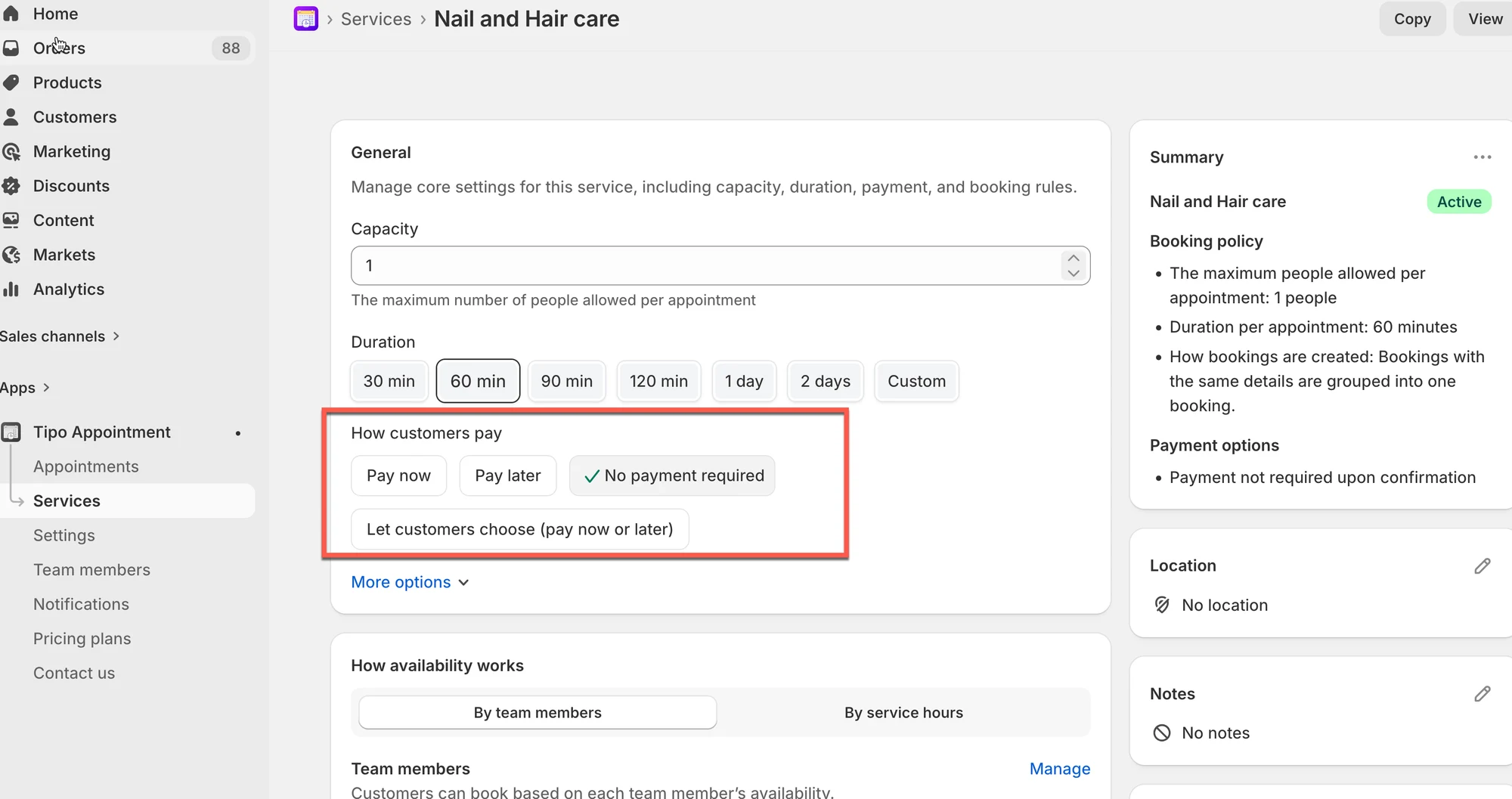
Customers can book your services **with or without payment**, depending on how you configure the service. This guide explains the difference and helps you choose the right option for your business.
### ℹ️ **Overview**
Tipo supports two types of services:
| **Feature** | **Paid Service** | **Free Service** |
| -------------------------------- | -------------------------------------------------------------------------- | ------------------------------------------------------------------------------------- |
| Requires Customer Payment? | ✔️ Yes (Customer must pay online) | ❌ No (Booking is free) |
| Customer Redirected to Checkout? | ✔️ Yes (Directed to cart or checkout page) | ❌ No (Bypasses the checkout process) |
| Shopify Order Created? | ✔️ Yes (A standard order is created upon purchase) | ✔️ Yes (An order is created for tracking, usually a "Pay later" or "Test-mode" order) |
| Customer Flow | Must complete the standard Shopify purchase flow | Completes instantly after filling out a simple free form |
| Useful For | Classes, charged services, rentals, and services requiring payment upfront | Free trials, consultations, shop visits, and informational appointments |
***
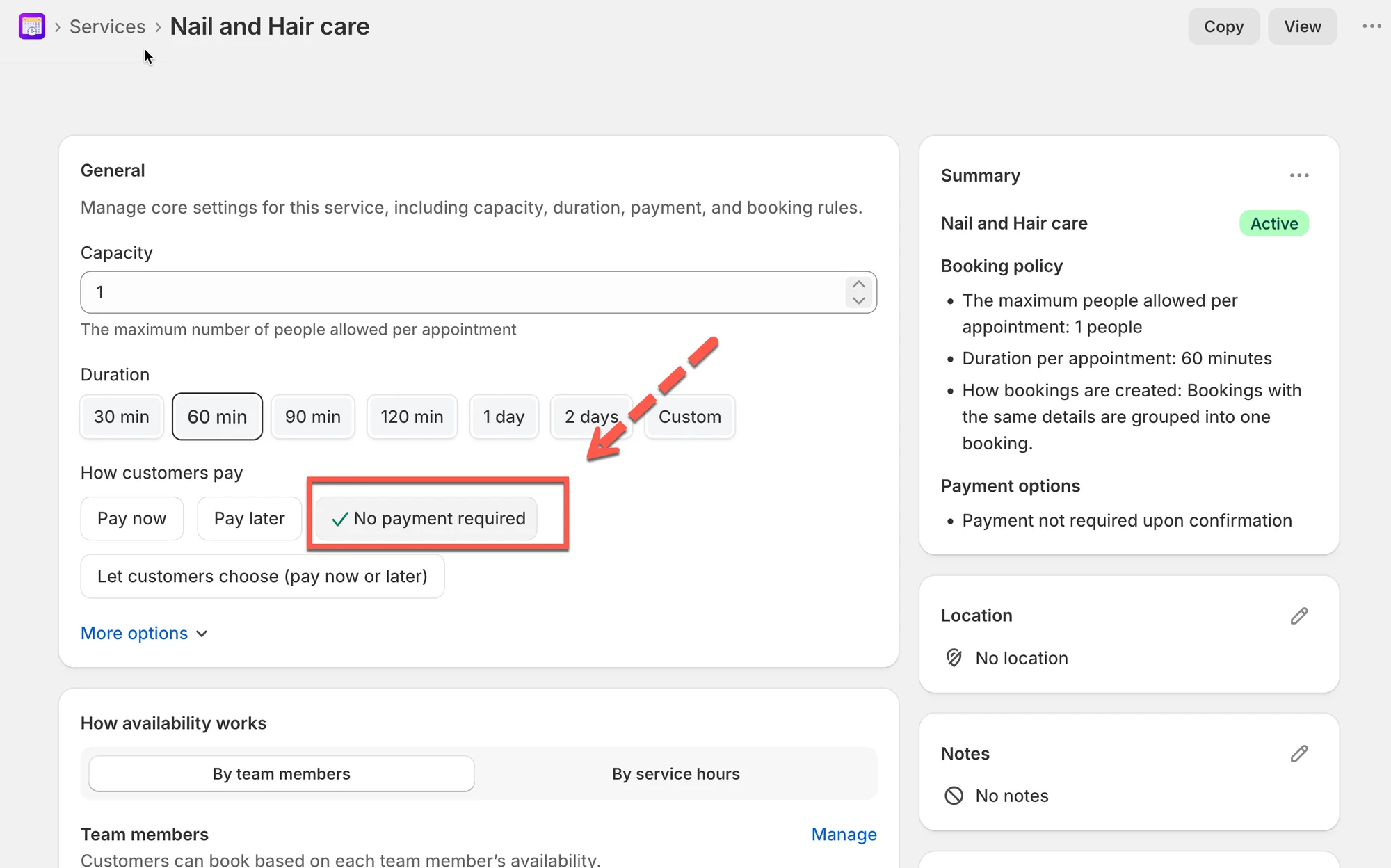
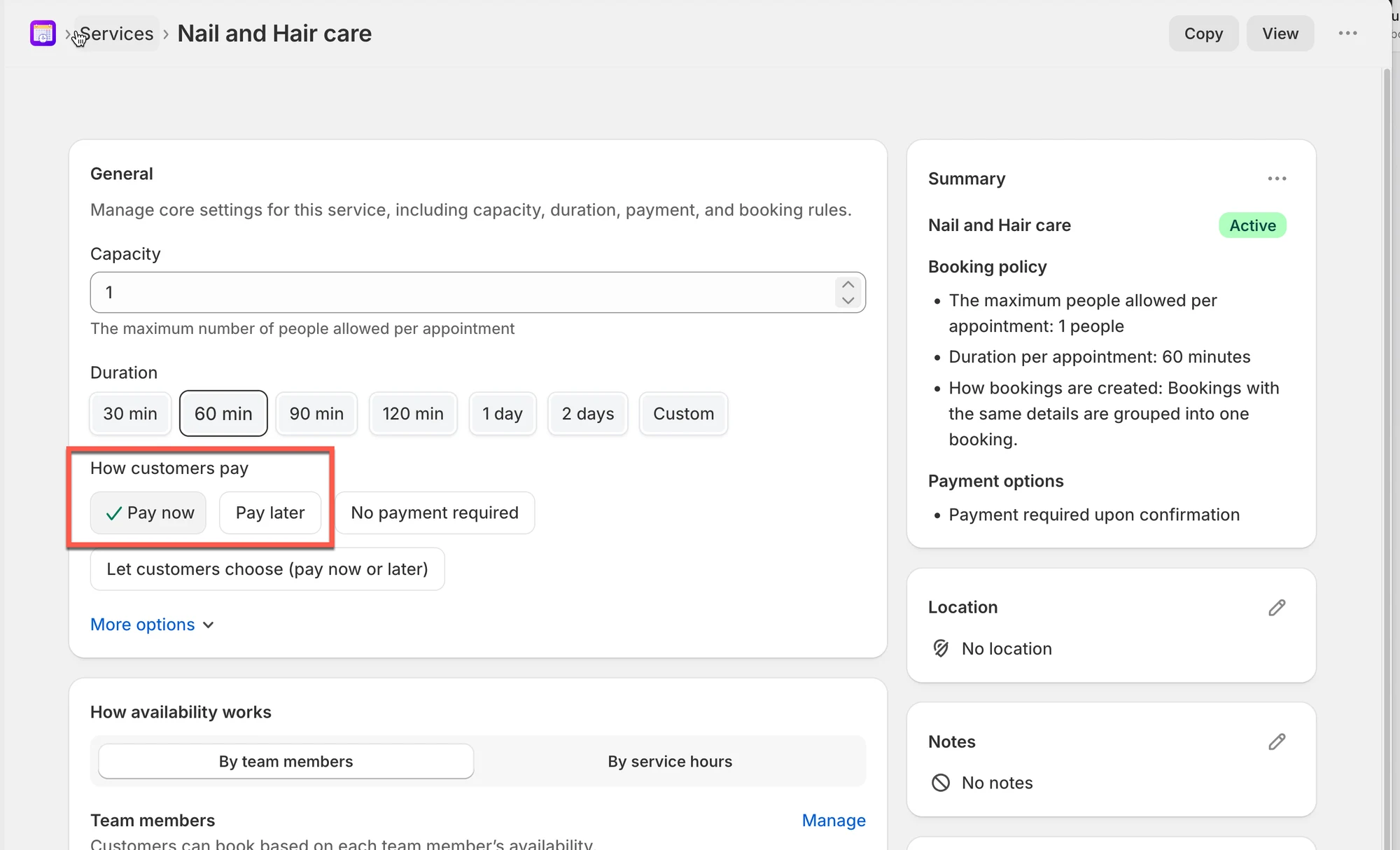
### **💡 Two Main Payment Modes**
#### **1️⃣ Free Booking (No Payment Required)**
Customers confirm the appointment **without paying online**.
**Best for:**
* Consultations
* Try-before-you-buy services
* Businesses collecting payment in person
* Free community classes
**Customer experience:**
| **Step** | **Action** | **Outcome** |
| ------------- | -------------------------------------------------------------------------------- | ------------------------------------------------------------------------- |
| Click Book | Customer selects a time slot and clicks the book button. | |
| Fill Form | The customer is presented with the Free Service form (e.g., Name, Email, Phone). | No payment details are required. |
| Confirm | The customer clicks Confirm button. | The booking completes instantly, directing them to a confirmation screen. |
| Order Created | no order | no order |
**Video**
***
#### **2️⃣ Paid Booking (Pay to book)**
Customers must **complete checkout** to secure their appointment.
**Best for:**
* Appointments with limited capacity
* Classes or workshops
* Services requiring deposits
* Prepaid sessions
**Customer experience:**
| **Step** | **Action** | **Outcome** |
| -------------------- | ------------------------------------------------------------- | -------------------------------------------------- |
| Click Book | Customer selects a time slot and clicks the book button. | |
| Redirect to Checkout | The customer is redirected to the cart page or checkout page. | The service product is added to their cart. |
| Purchase | The customer completes the payment and checkout process. | The customer is charged for the service. |
| Order Created | The purchase is finalized. | A standard Shopify order is created in your store. |
**Video**
***
**🙋 Still need support?**
If you still need help, please feel free to contact us at . We’ll be happy to assist you further.