> For the complete documentation index, see [llms.txt](https://docs.tipo.io/llms.txt). Markdown versions of documentation pages are available by appending `.md` to page URLs; this page is available as [Markdown](https://docs.tipo.io/tipo-appointment-booking/widget-customization/customize-widget-style.md).
# Customize widget style
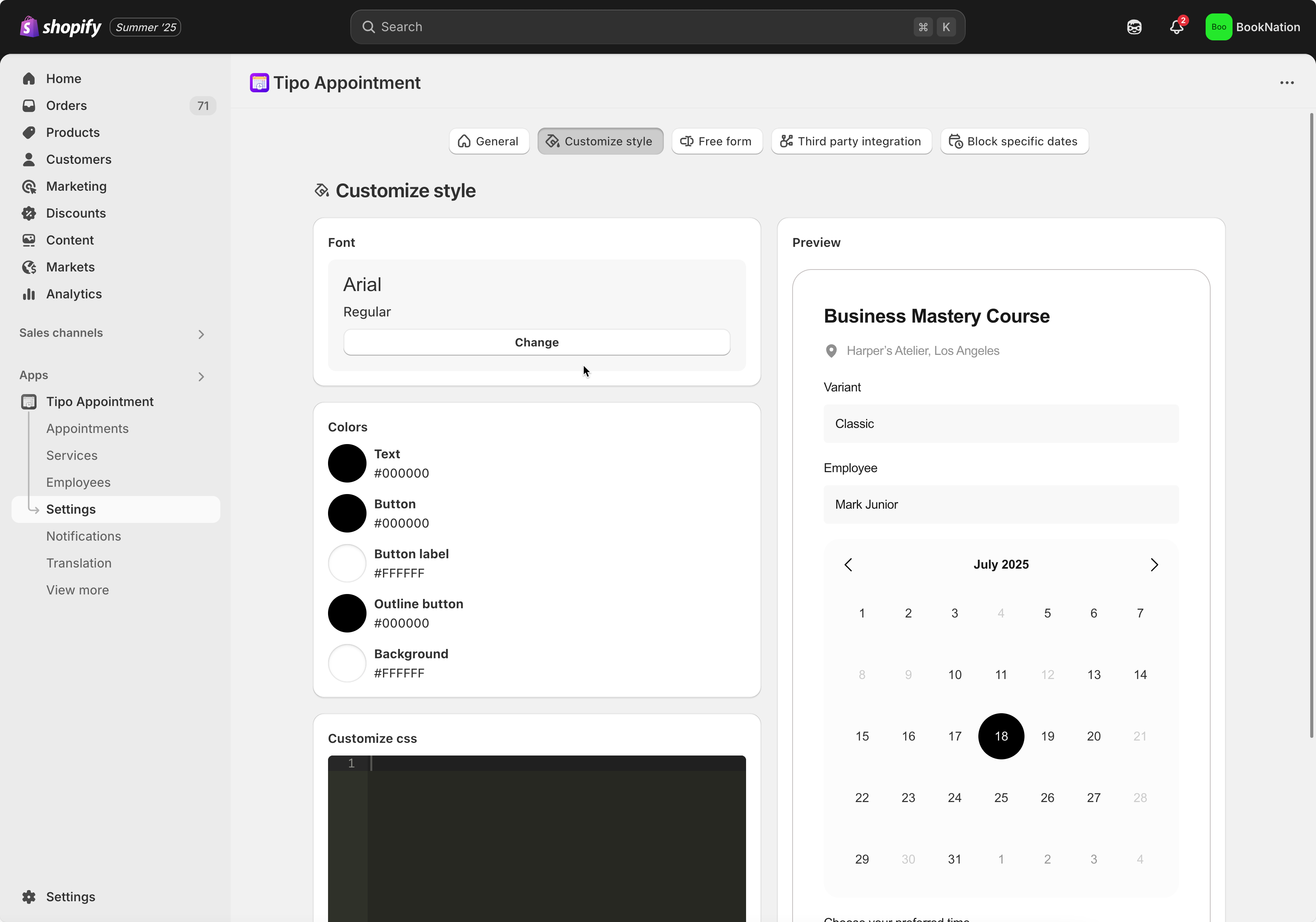
Steps to manage
1. Open the app > click **Settings** > **Customize Style**
2. You can change the font, color of button, text and background here
3. Add custom CSS to style the booking widget more (optional)
4. Save to update the changes
**🙋 Still need support?**
If you still need help, please feel free to contact us at . We’ll be happy to assist you further.