
Compare Product Sync Modes
AI Overview
Compare the three product sync modes in the Matching & Imports section: Create & Update, Update Only and Create Only. Each mode decides what Tipo Sync does when it finds, or does not find, a matching product in the Destination store, using Handle, SKU or Barcode as the identifier.
View moreView less
- Create & Update: updates matching products and creates missing ones; best for full synchronization.
- Update Only: updates matching products and ignores products that do not exist in the Destination store.
- Create Only: creates missing products and ignores products that already exist.
- Matching uses the selected identifier: Handle (recommended), SKU or Barcode.
Summary generated by AI. It can make mistakes, so check the full guide below.
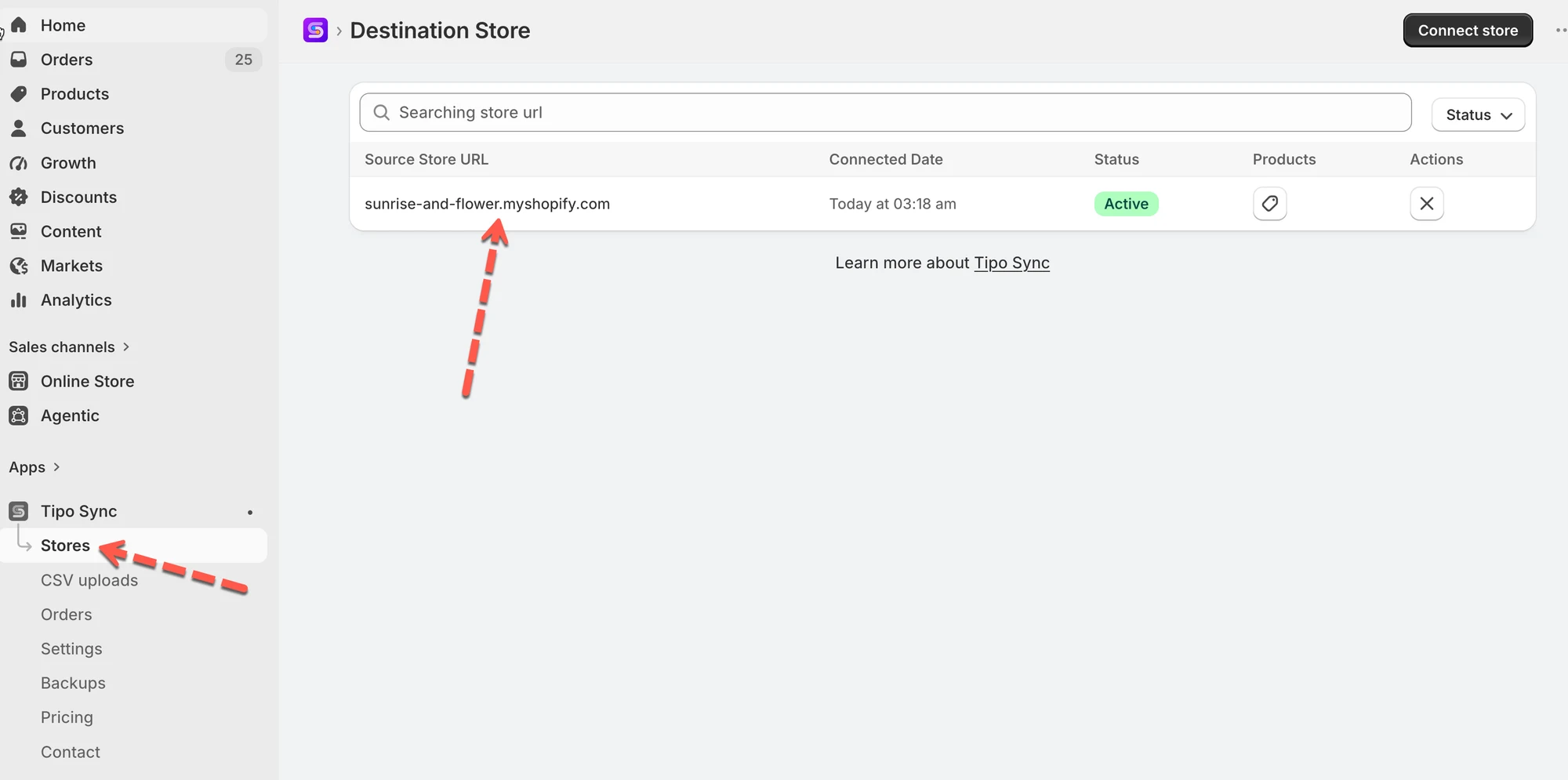
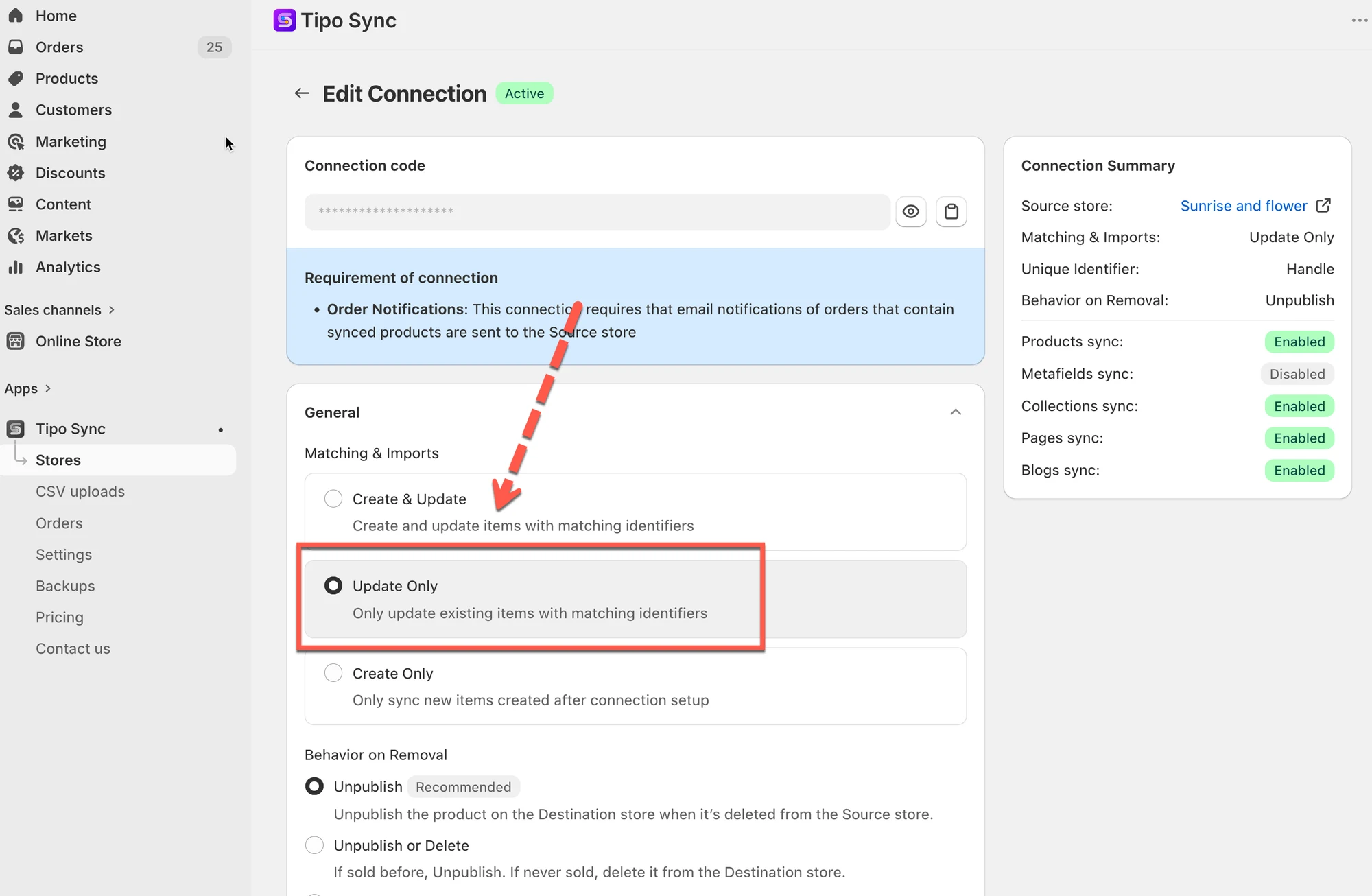
When connecting two stores, Tipo Sync offers three product sync modes in Matching & Imports section:
- Create & Update
- Update Only
- Create Only
Each mode determines what happens when Tipo Sync finds (or does not find) a matching product in the Destination store.
🚀 Quick Recommendation
Section titled “🚀 Quick Recommendation”| If you want to… | Recommended Option |
|---|---|
| Keep both stores fully synchronized | 🔄 Create & Update |
| Update existing products only | 🔁 Update Only |
| Import new products only | ➕ Create Only |
🔗 How Product Matching Works
Section titled “🔗 How Product Matching Works”Before syncing a product, Tipo Sync checks whether the product already exists in the Destination store.
The app compares products using the selected Matching Identifier:
- Handle (Recommended)
- SKU
- Barcode
After checking for a match, Tipo Sync follows the selected sync mode.
📊 Quick Comparison
Section titled “📊 Quick Comparison”This table explains the core difference between all three modes.
| Sync Mode | Matching Product Found | No Matching Product Found |
|---|---|---|
| Create & Update | Update Product | Create Product |
| Update Only | Update Product | Ignore Product |
| Create Only | Ignore Product | Create Product |
🔄 Create & Update
Section titled “🔄 Create & Update”How it works
Section titled “How it works”- Updates products that already exist in the Destination store.
- Creates products that do not exist in the Destination store.
- Automatically syncs new products added later.
Example
Section titled “Example”Source Store
- Product A
- Product B
- Product C
Destination Store
- Product B
- Product C
Result
Section titled “Result”| Product | Action |
|---|---|
| Product A | Created |
| Product B | Updated |
| Product C | Updated |
🔁 Update Only
Section titled “🔁 Update Only”How it works
Section titled “How it works”- Updates products that already exist in the Destination store.
- Does not create new products.
- Ignores products that do not already exist.
Example
Section titled “Example”Source Store
- Product A
- Product B
- Product C
Destination Store
- Product B
- Product C
Result
Section titled “Result”| Product | Action |
|---|---|
| Product A | Ignored |
| Product B | Updated |
| Product C | Updated |
➕ Create Only
Section titled “➕ Create Only”How it works
Section titled “How it works”- Creates products that do not exist in the Destination store.
- Does not update existing products.
- Automatically imports new products added later.
Example
Section titled “Example”Source Store
- Product A
- Product B
- Product C
Destination Store
- Product A
- Product B
Result
Section titled “Result”| Product | Action |
|---|---|
| Product A | Ignored |
| Product B | Ignored |
| Product C | Created |
📚 Learn More
Section titled “📚 Learn More”For detailed setup instructions and examples: