> For the complete documentation index, see [llms.txt](https://docs.tipo.io/llms.txt). Markdown versions of documentation pages are available by appending `.md` to page URLs; this page is available as [Markdown](https://docs.tipo.io/overview/source-store-vs-destination-store.md).
# Source store vs Destination store
When you use **Multi-store sync**, Tipo Sync always works with two store roles:
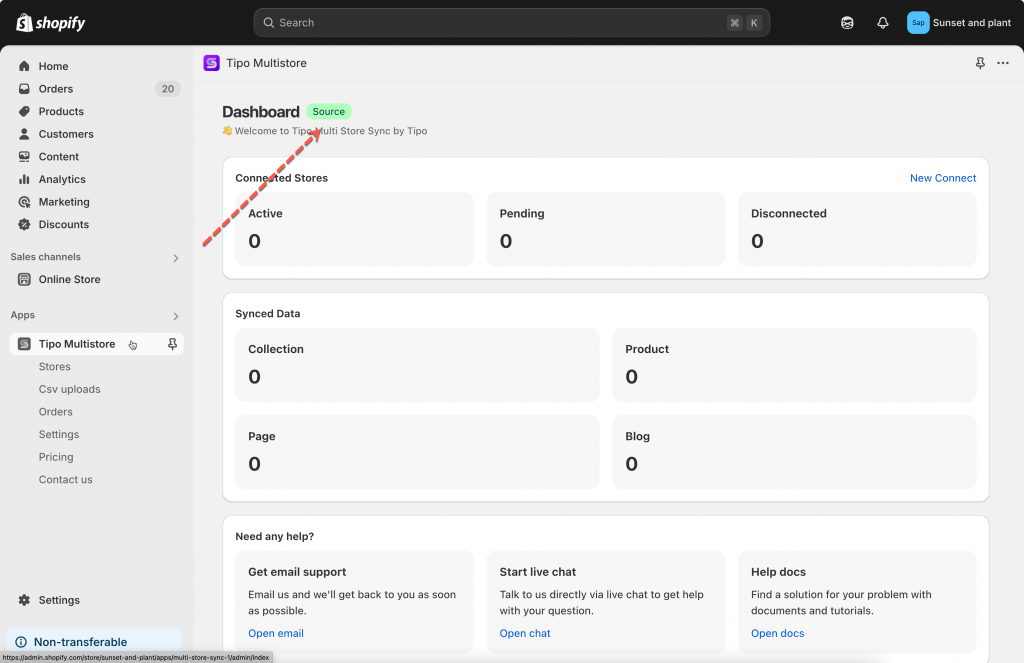
* **Source store** = the “main” store that **sends** data
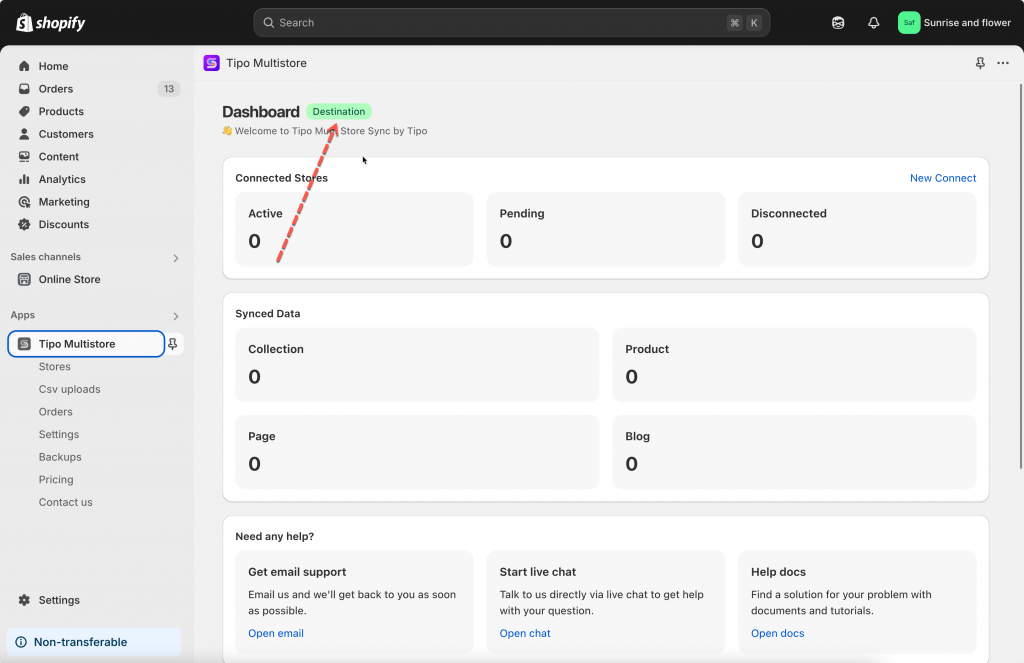
* **Destination store** = the store that **receives** data
Understanding this difference helps you set up syncing correctly and avoid unexpected changes.
### ℹ️ What is a Source store?
Your main store — where everything starts.
* Manage and update your products, collections, pages, blogs, and inventory here.
* Shares product and inventory data with other connected stores.
* Usually linked to your main warehouse or stock location.
* Receives order information generated from Destination Stores.
### ℹ️ What is a Destination store?
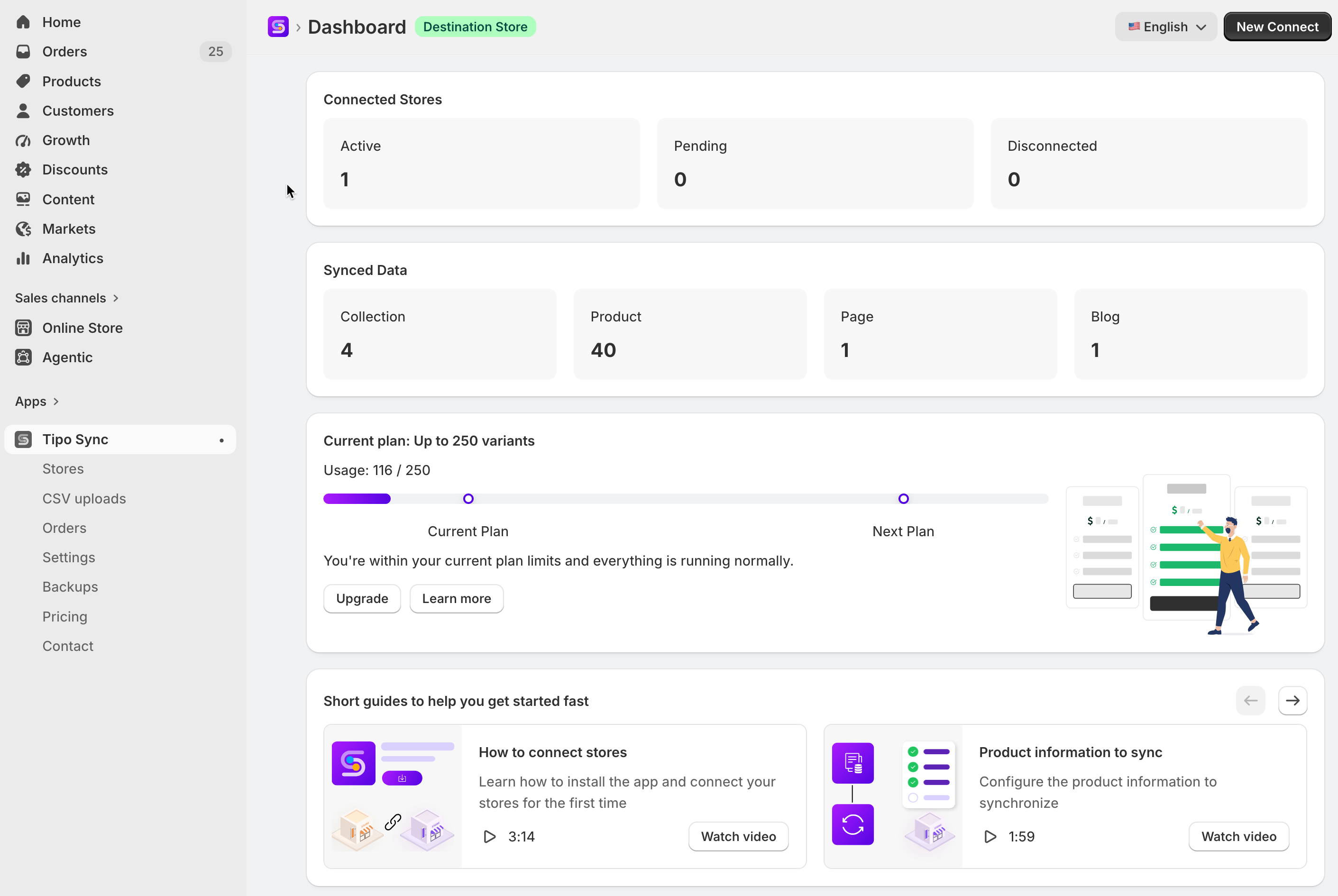
The **Destination store** is where products and updates are synced **from the Source store**.
* Perfect for retail locations, online storefronts, or dropshipping.
* Automatically receives the latest products, collections, pages, blogs, and inventory.
* Option to adjust prices as needed.
* Where orders are created and then sent to the Source Store for processing.
***
### 🔁 What can our app do if 2 store are connected?
1. **Sync Products**: Automatically update product listings and attributes in your Destination stores when you make changes to the Source store. It sync products based on product [handle](https://tipo.io/index.php/kb/what-is-a-shopify-product-handle/), SKU or barcode. (1 ways sync)
2. **Real-Time Inventory Sync**: inventory can be synced from Source store to Destination and vice versa. (1 ways sync and 2 way sync)
3. **Product Attributes Sync**: Sync product titles, descriptions, or other attributes from Source store to Destination stores. You can even set different prices in Destination stores (e.g., add a 10% markup). (1 ways sync)
4. **Sync Collections, Blogs, and Pages:** Any updates to your pages, blog posts, or collections on the Source store will automatically be reflected on the Destination stores. (1 ways sync)
5. **Order Sync:** When an order is placed in a Destination store, the same order is created in the Source store for easy management. (1 ways sync)
6. **Metafield Sync**: Sync product and variant metafields between stores, including custom product information such as materials, specifications and other custom data. (1-way sync)
***
### FAQs
#### ❓ Can I have multiple Destination stores?
Yes. One Source store can connect to **multiple** Destination stores (useful for regional stores).
#### ❓ Can a Destination store also be a Source store?
You can select one store type only. One store can not be a source store and destination store at the same time.
#### ❓ Will changes made in the Destination store sync back to the Source store?
Usually **no** for product content (it depends on your sync settings). Best practice is to edit products in the **Source store**.
***
**🙋 Still need support?**
If you still need help, please feel free to contact us at . We’ll be happy to assist you further.