> For the complete documentation index, see [llms.txt](https://docs.tipo.io/llms.txt). Markdown versions of documentation pages are available by appending `.md` to page URLs; this page is available as [Markdown](https://docs.tipo.io/bundle-groups/create-a-new-bundle-group.md).
# Create a new Bundle Group
You can create bundle groups to link multiple product variants and manage their inventory together.
Bundle Groups help you keep bundle inventory accurate by linking a **Bundle product (Master)** with the items inside it (**Components**). When the bundle sells, Tipo updates the component inventory automatically.
### ✅ Before you start
Make sure:
* Your **Bundle (Master)** product already exists in Shopify
* Your **Component** products exist and have **Track quantity** enabled
* You know how many units of each component are required for 1 bundle
***
### 🛠️ Steps to manage
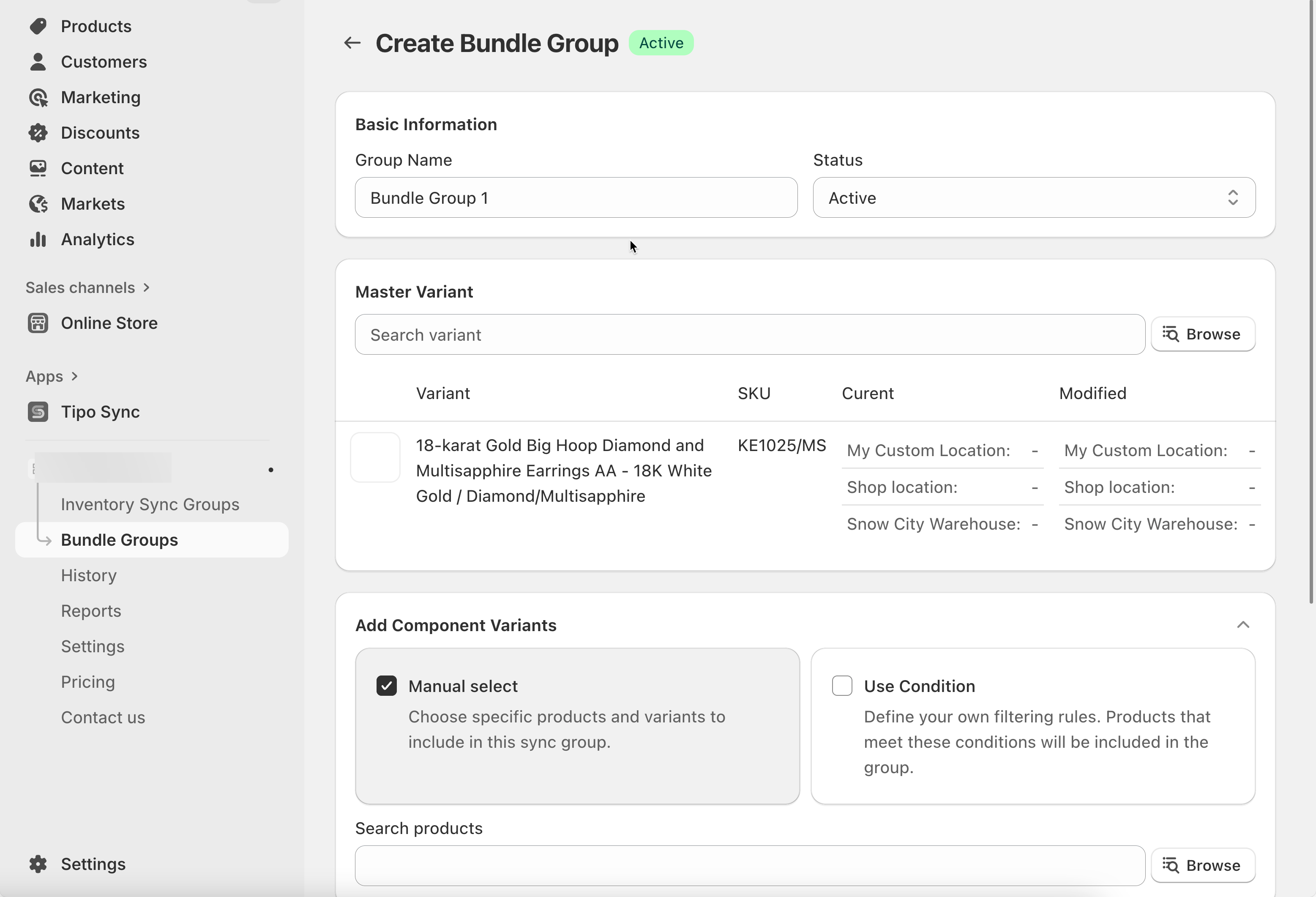
1. Open the app > click **Bundle Groups** > click **New** **Bundle Group** button
2. Enter a **Title** and select **Status** as **Active**
3. Add Variants to the Group. There are 2 ways to add variants:
You can add variants using two methods:
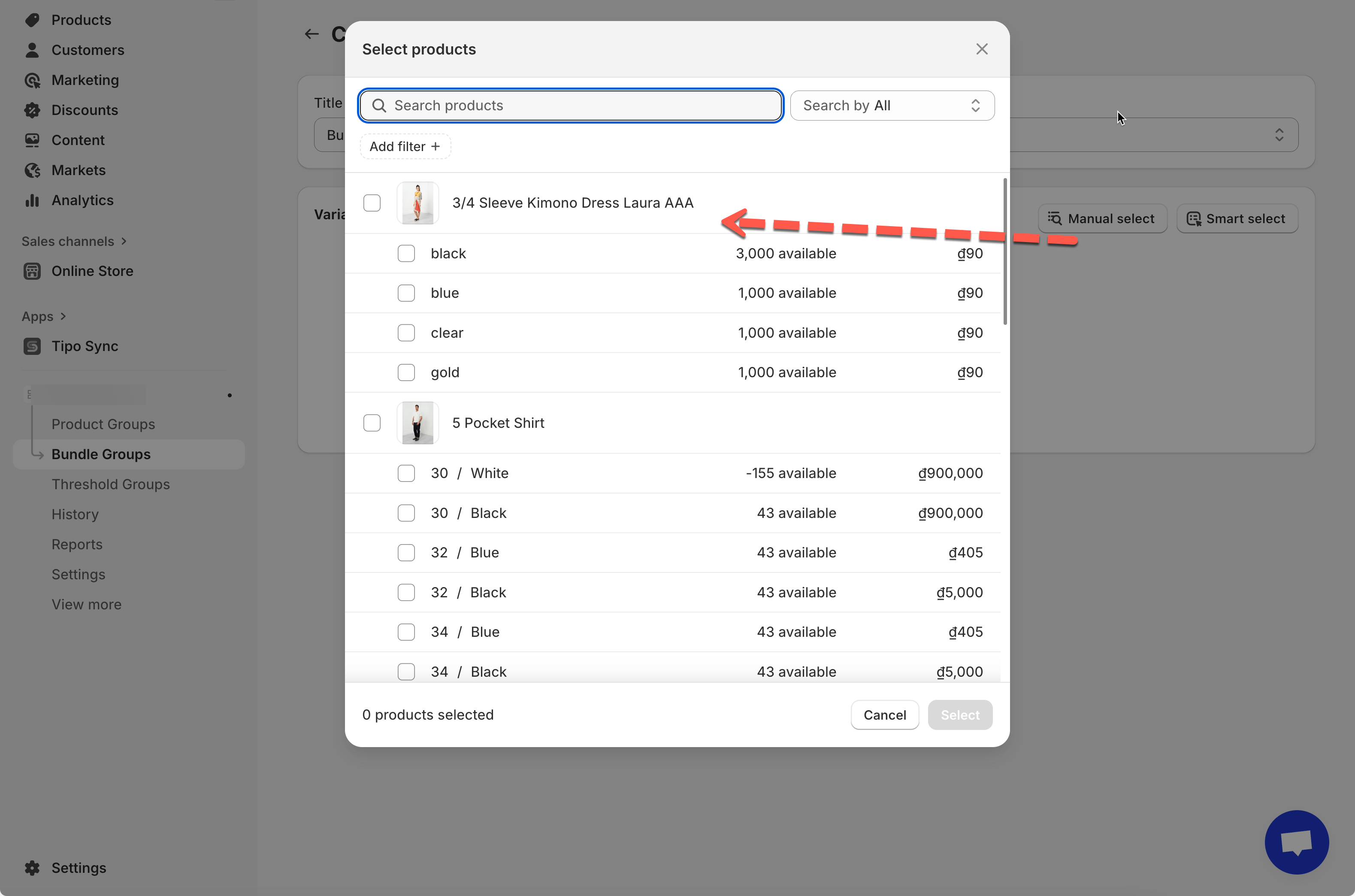
* **Manual select:** Choose specific product variants from your catalog.
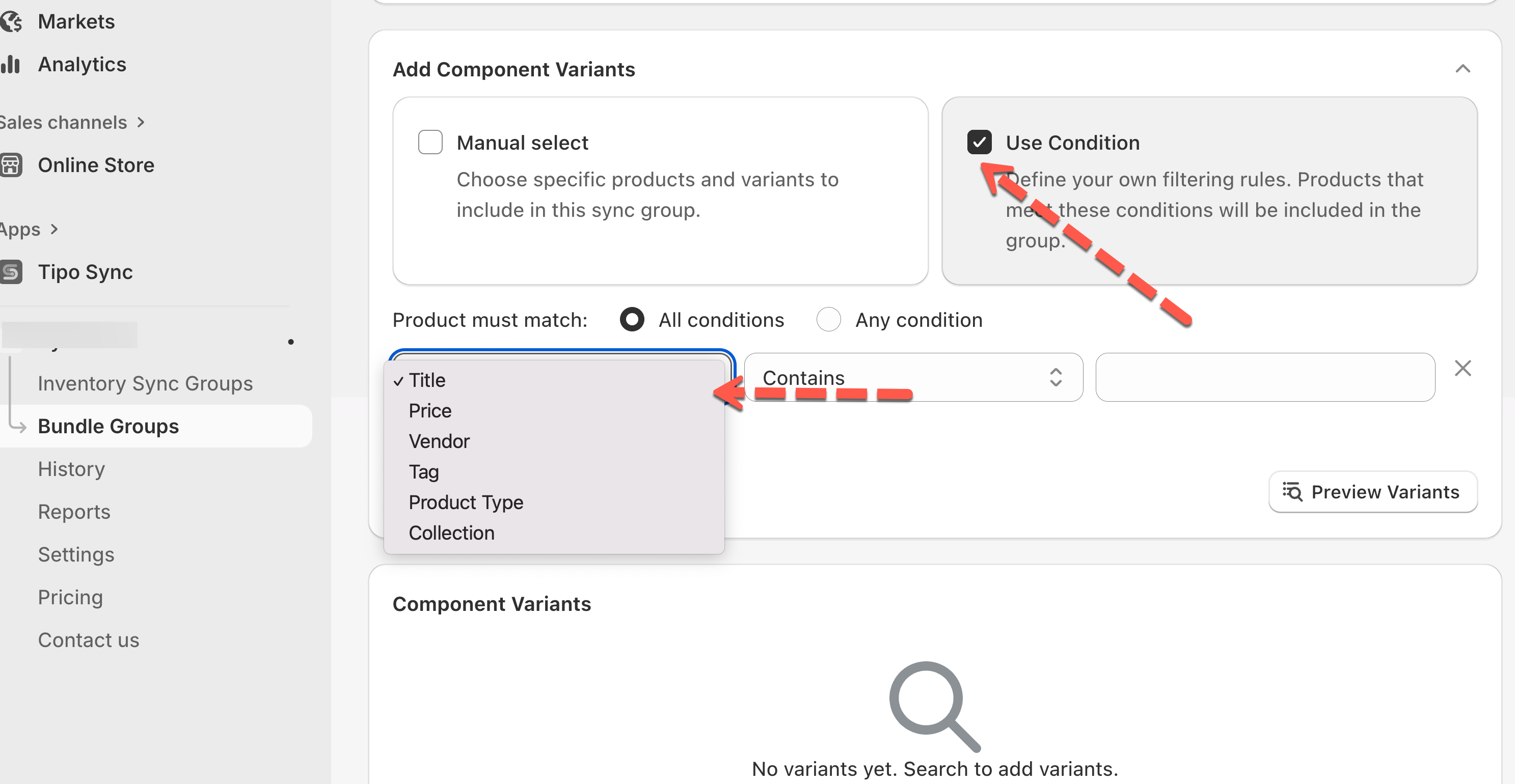
* **Smart select:** Use filters (e.g., Title, Price, Vendor, Tag, Product Type, or Collection) to find and select multiple variants at once.\
Example: Filter by *Tag contains “g90”* to quickly select all related variants.
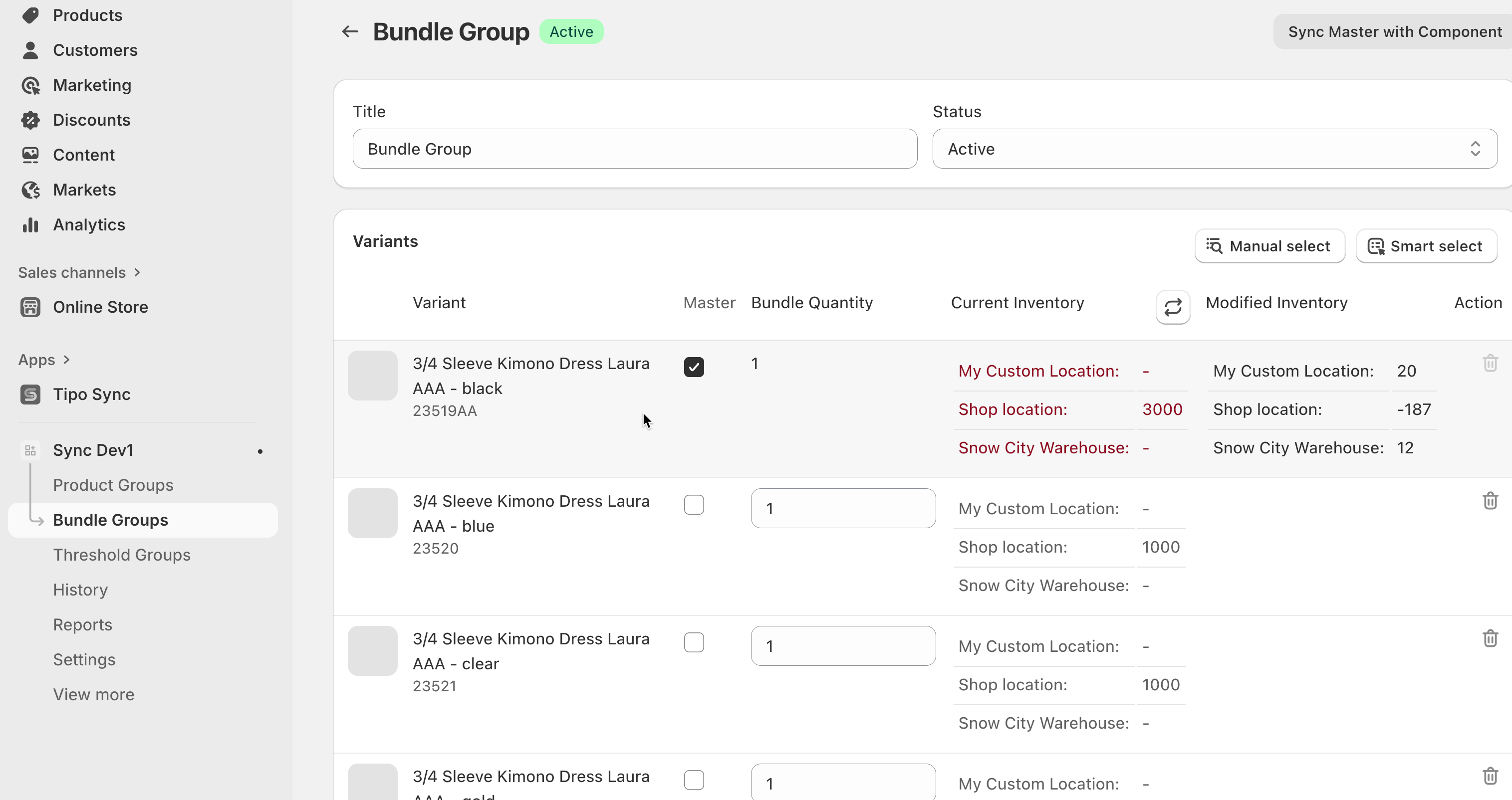
4. Set Bundle quantities: assign a **Master Variant** (main item controlling inventory sync) and set the **Bundle Quantity** for each.\
This determines how many units of each variant are linked in the bundle.
5. Save the bundle group.
***
### 🔄 How Bundle Groups work
#### How the app calculates bundle availability
A bundle’s available quantity is based on the lowest available component stock, considering the quantity required.
**Formula (simple):**\
Bundle available = min( Component stock ÷ Quantity required )
#### What happens when a bundle is sold?
When an order is created for the Master product:
* Tipo app deducts inventory from each component based on its required quantity
* The bundle availability updates automatically after component stock changes
#### Example
**Bundle setup**
**Master (Bundle):** Gift Box Set\
**Components:**
* Candle × 1
* Gift Box × 1
**Inventory before sale**
* Candle: 20
* Gift Box: 12
✅ Bundle availability = **12** (Gift Box is the lowest)
#### Customer buys 2 bundles
Tipo Sync updates components:
* Candle: 20 → 18
* Gift Box: 12 → 10
✅ Bundle availability becomes **10**
**🙋 Still need support?**
If you still need help, please feel free to contact us at . We’ll be happy to assist you further.