> For the complete documentation index, see [llms.txt](https://docs.tipo.io/llms.txt). Markdown versions of documentation pages are available by appending `.md` to page URLs; this page is available as [Markdown](https://docs.tipo.io/settings-source-store/email-notification-source-store.md).
# Email notification (Source store)
This guide explains how to set up email notifications for the Source store, so you (or your team) can receive alerts about sync activity and important events.
**Steps to manage**
1\. Open the app in Source store > click **Settings**
2\. Scroll down to **Email Notifications** > tick checkbox to set up email notification
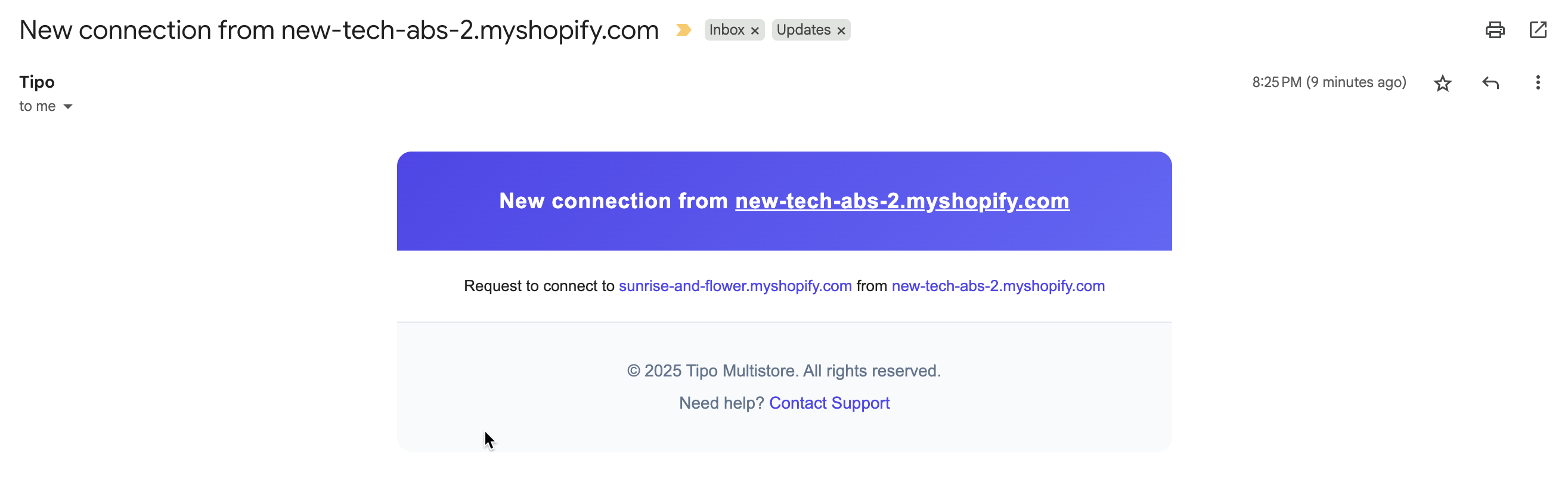
* **Store Connected:** Receive an email notification when a new store connects to your store
* **Store Disconnected:** Receive an email notification when a connected store disconnects from your store
* **Order Notification:** Receive an email notification when a destination store creates an order containing synchronized products
3\. Click **Save**
Below is an example of a email sent from the app.
***
**🙋 Still need support?**
If you still need help, please feel free to contact us at . We’ll be happy to assist you further.