
Can I sync orders only (no inventory)?
AI Overview
Answers whether the Tipo app can sync orders without inventory. Orders sync from the Destination store to the Source store, and enabling Sync Orders still updates inventory, because the app reduces Source stock when a Destination order is placed. Draft order sync is the suggested alternative.
View moreView less
- Orders sync from the Destination store to the Source store.
- With Sync Orders enabled, inventory is still updated automatically, reducing Source stock.
- To sync orders without inventory, try the Draft order sync option, which creates a draft order in the Source store.
Summary generated by AI. It can make mistakes, so check the full guide below.
Orders are synced from Destination store to Source store.
If you enable “Sync Orders”, the inventory will still be updated automatically. This is because when a customer places an order on a destination store, the app reduces the stock quantity on the source store to keep inventory accurate across stores.
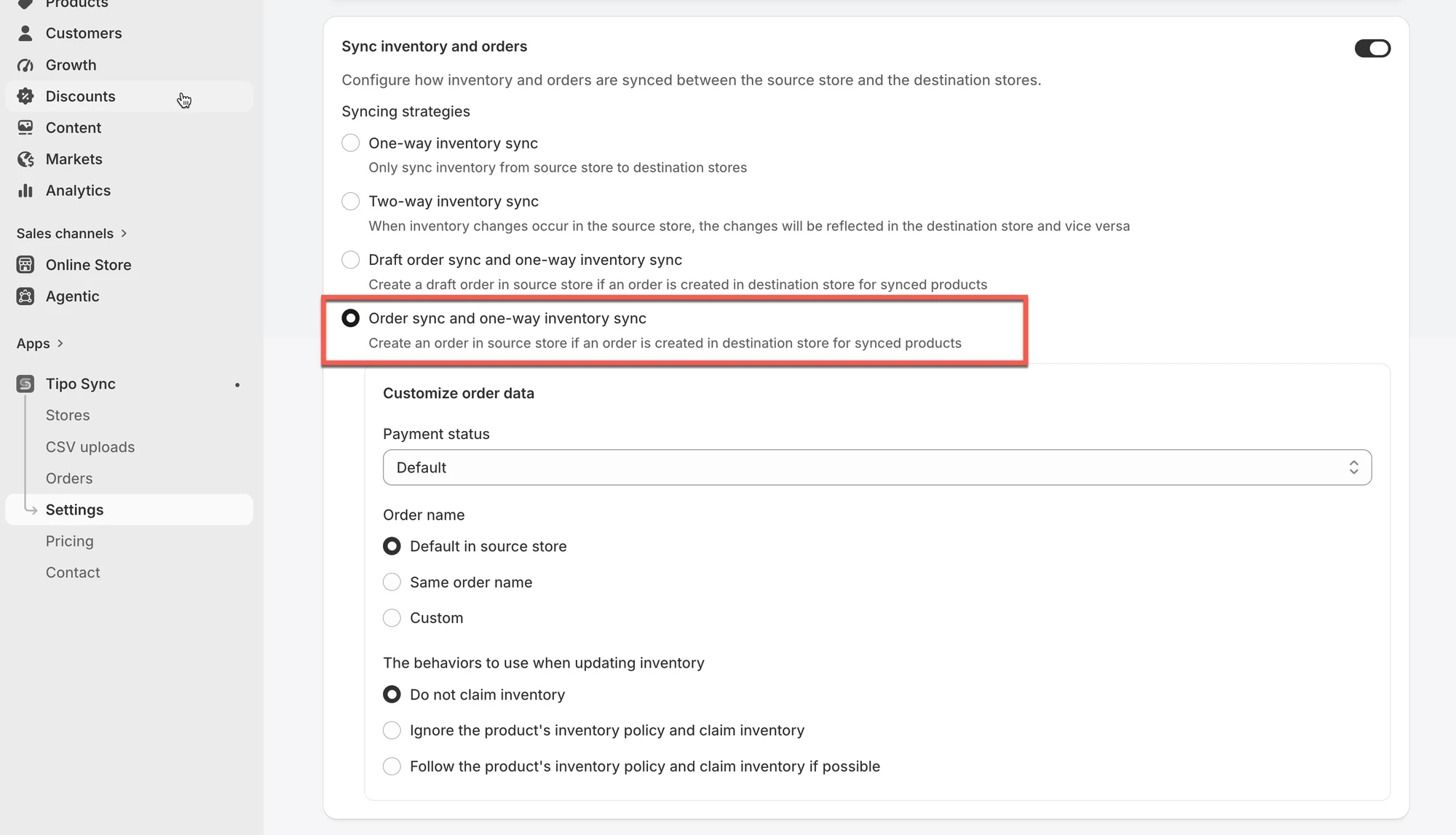
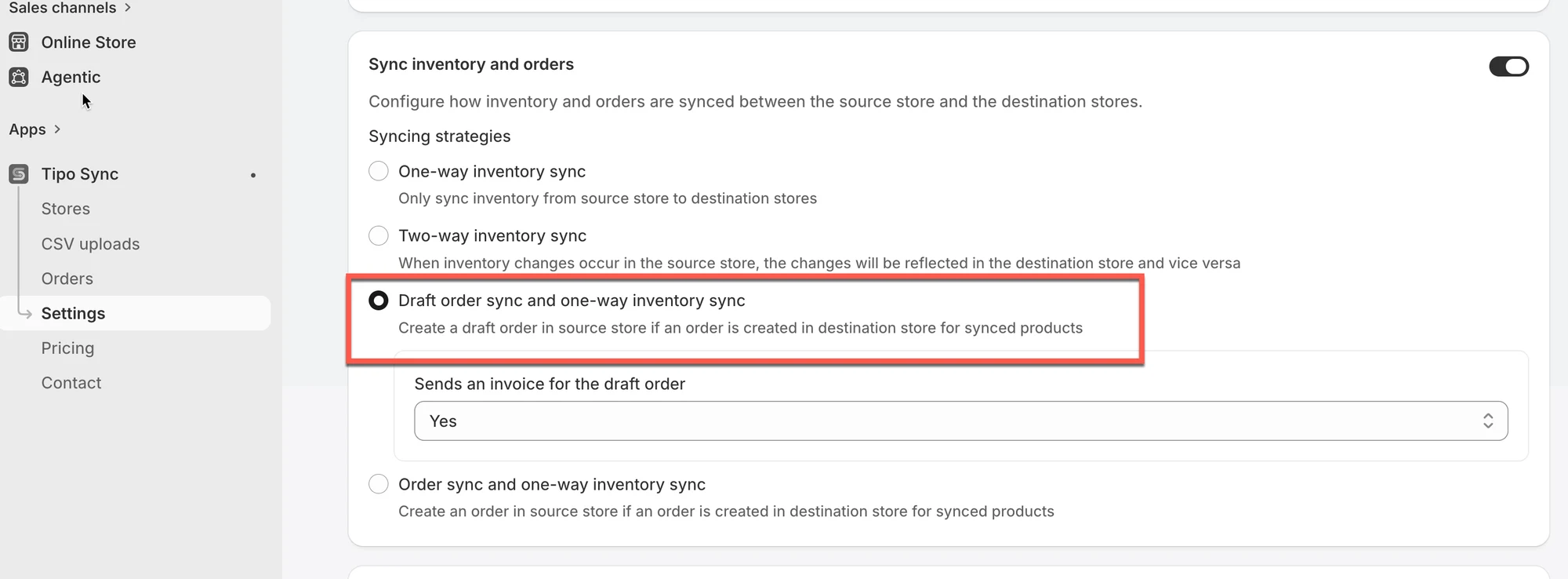
If you still don’t want to sync inventory but orders, I suggest you try the Draft order sync option. If there is an order created in Destination store, the new draft order is created in Source store.
🙋 Still need support?
If you still need help, please feel free to contact us at hi@tipo.io. We’ll be happy to assist you further.