
Source store vs Destination store
AI 概覽
說明 Multi-store sync 中的兩種商店角色。Source store 是傳送資料的主要商店,Destination store 則負責接收。每間商店只能有一種角色。連線後,應用程式即可同步商品、庫存、屬性、商品系列、部落格、頁面、訂單與 metafield。
查看更多收合
- 一間 Source store 可以連線到多間 Destination store。
- 一間商店不能同時是 Source store 與 Destination store。
- 商品依 handle、SKU 或條碼同步;庫存可單向或雙向同步。
- 在 Destination store 建立的訂單,也會在 Source store 建立。
- 請在 Source store 編輯商品;視設定而定,Destination 的變更通常不會同步回來。
由 AI 產生的摘要,可能有錯誤,請參閱下方的完整指南。
使用 Multi-store sync 時,Tipo Sync 一律會處理兩種商店角色:
- Source store = 傳送資料的「主要」商店
- Destination store = 接收資料的商店
瞭解兩者的差異,有助於您正確設定同步,並避免非預期的變更。
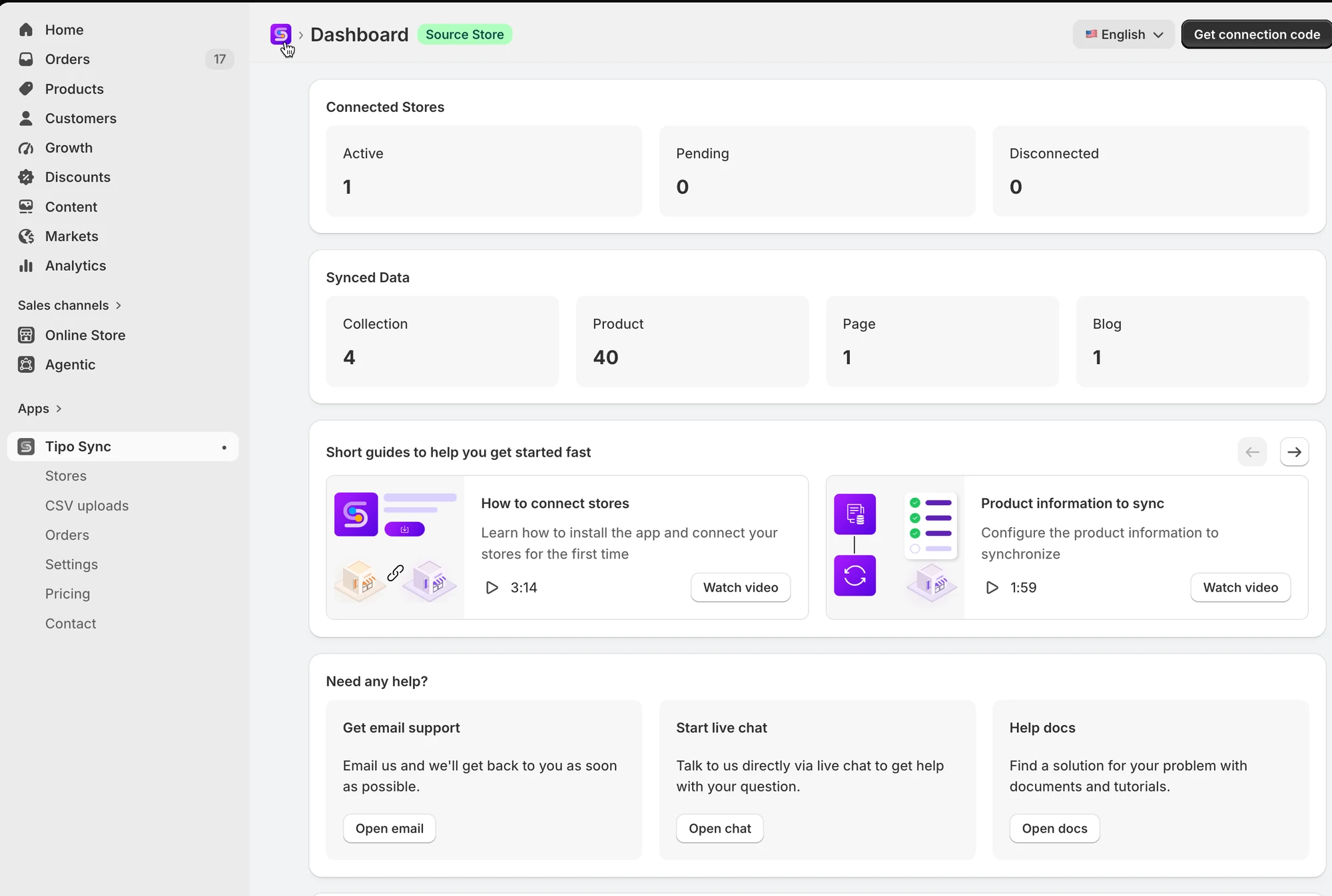
ℹ️ 什麼是 Source store?
Section titled “ℹ️ 什麼是 Source store?”您的主要商店,一切資料的起點。
- 在這裡管理並更新您的商品、商品系列、頁面、部落格文章與庫存。
- 與其他已連接的商店共享商品與庫存資料。
- 通常會連結到您的主要倉庫或庫存地點。
- 接收由 Destination Stores 產生的訂單資訊。
ℹ️ 什麼是 Destination store?
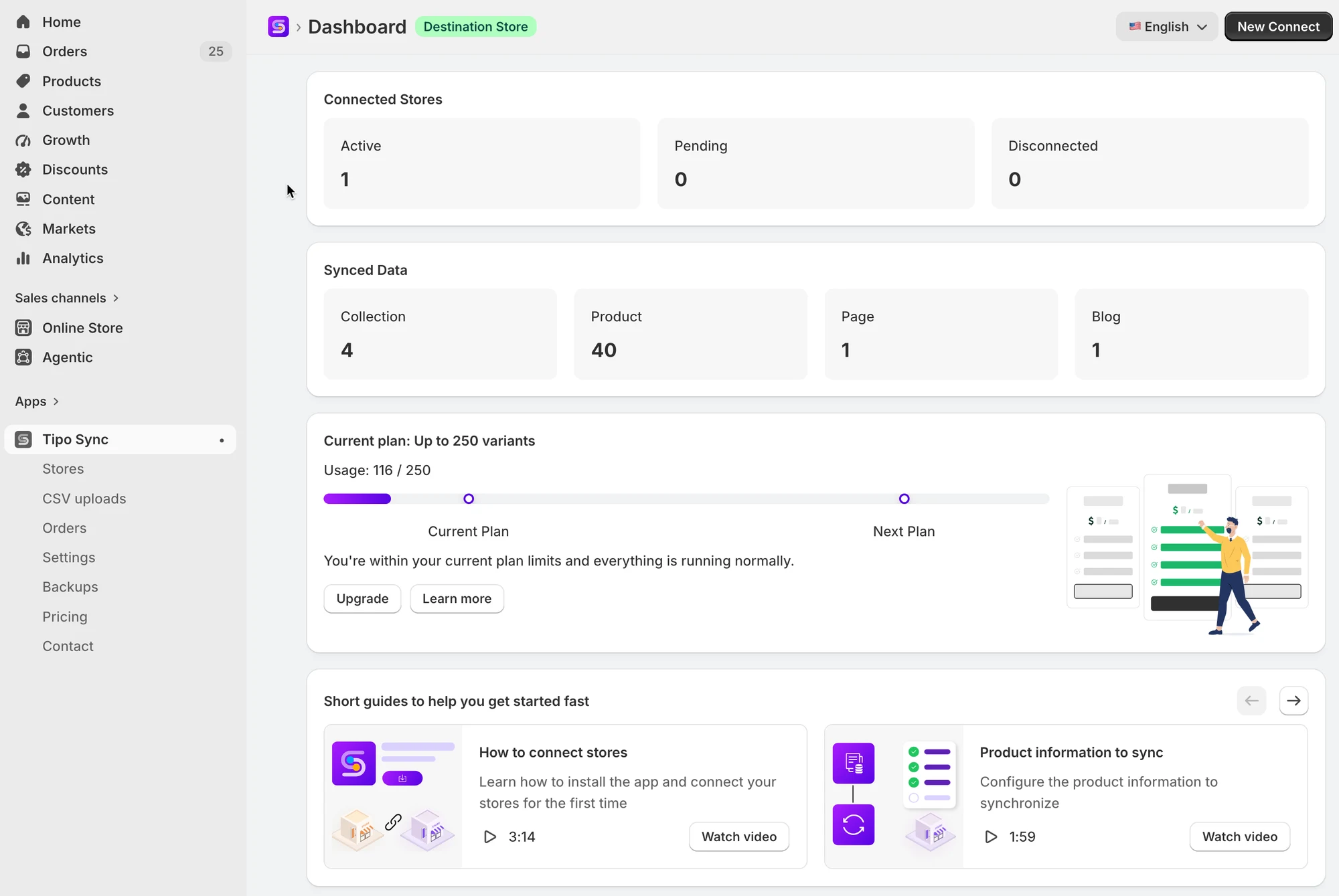
Section titled “ℹ️ 什麼是 Destination store?”Destination store 是接收來自 Source store 的商品與更新的商店。
- 非常適合實體零售據點、線上商店或代發貨(dropshipping)。
- 自動接收最新的商品、商品系列、頁面、部落格文章與庫存。
- 可依需求選擇調整價格。
- 訂單在此建立,再傳送到 Source Store 處理。
🔁 兩間商店連接後,我們的應用程式能做什麼?
Section titled “ 🔁 兩間商店連接後,我們的應用程式能做什麼?”- Sync Products:當您在 Source store 進行變更時,自動更新 Destination stores 中的商品刊登與屬性。系統會依商品 handle、SKU 或條碼來同步商品。(單向同步)
- Real-Time Inventory Sync:庫存可從 Source store 同步到 Destination,也可反向同步。(單向同步與雙向同步)
- Product Attributes Sync:將商品標題、說明或其他屬性從 Source store 同步到 Destination stores。您甚至可以在 Destination stores 設定不同的價格(例如加價 10%)。(單向同步)
- Sync Collections, Blogs, and Pages: 您在 Source store 對頁面、部落格文章或商品系列所做的任何更新,都會自動反映在 Destination stores。(單向同步)
- Order Sync: 當訂單在 Destination store 成立時,同一筆訂單會在 Source store 建立,方便您管理。(單向同步)
- Metafield Sync:在商店之間同步商品與款式的中繼欄位,包括材質、規格等自訂商品資訊及其他自訂資料。(單向同步)
❓ 我可以有多間 Destination stores 嗎?
Section titled “❓ 我可以有多間 Destination stores 嗎?”可以。一間 Source store 可以連接多間 Destination stores(適合區域型商店)。
❓ Destination store 也可以同時是 Source store 嗎?
Section titled “❓ Destination store 也可以同時是 Source store 嗎?”您只能選擇一種商店類型。一間商店無法同時是 Source store 和 Destination store。
❓ 在 Destination store 所做的變更會同步回 Source store 嗎?
Section titled “❓ 在 Destination store 所做的變更會同步回 Source store 嗎?”商品內容通常不會(視您的同步設定而定)。建議的做法是在 Source store 編輯商品。
🙋 還需要協助嗎?
如果您仍需要協助,歡迎隨時寄信至 hi@tipo.io 與我們聯繫,我們很樂意為您提供進一步的協助。