> For the complete documentation index, see [llms.txt](https://docs.tipo.io/llms.txt). Markdown versions of documentation pages are available by appending `.md` to page URLs; this page is available as [Markdown](https://docs.tipo.io/tipo-related-products/widget-setup/targeting-rules-where-widget-applies.md).
# Targeting rules (where widget applies)
**Targeting** **rules** control where your widget will show.\
They help you decide if the widget should appear on all products or only on specific products, tags, or collections.
***
### ℹ️ What does “Targeting” mean?
Think of targeting as:\
**“Which products should display this widget?”**
For example:
* Show this widget on **all products**
* Show this widget only on products in the **Shoes collection**
* Show this widget only on products with the **summer tag**
***
### ℹ️ Target options explained
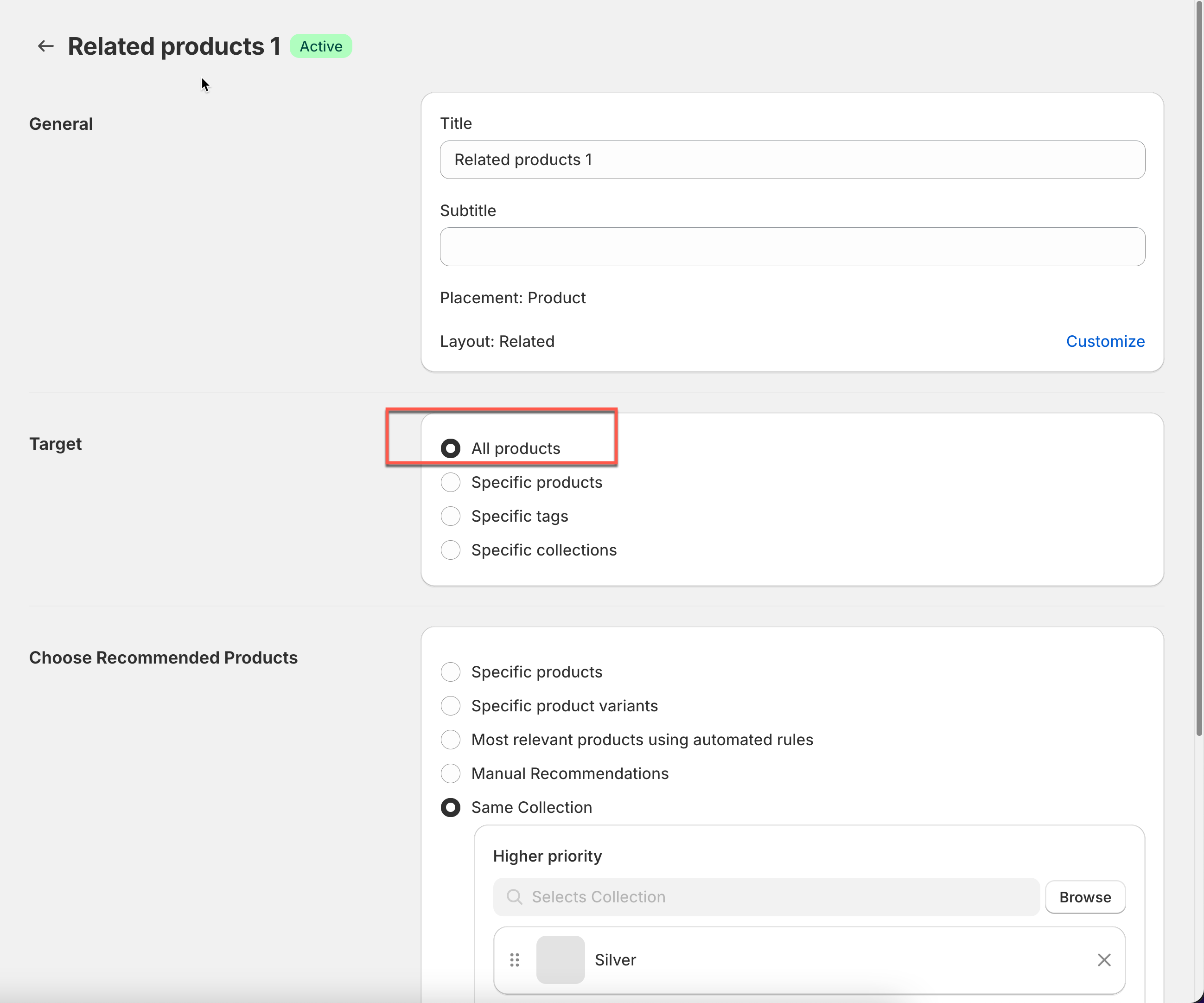
#### All products
The widget shows on every product that matches the widget placement.
Best for: stores that want one recommendation widget everywhere.
***
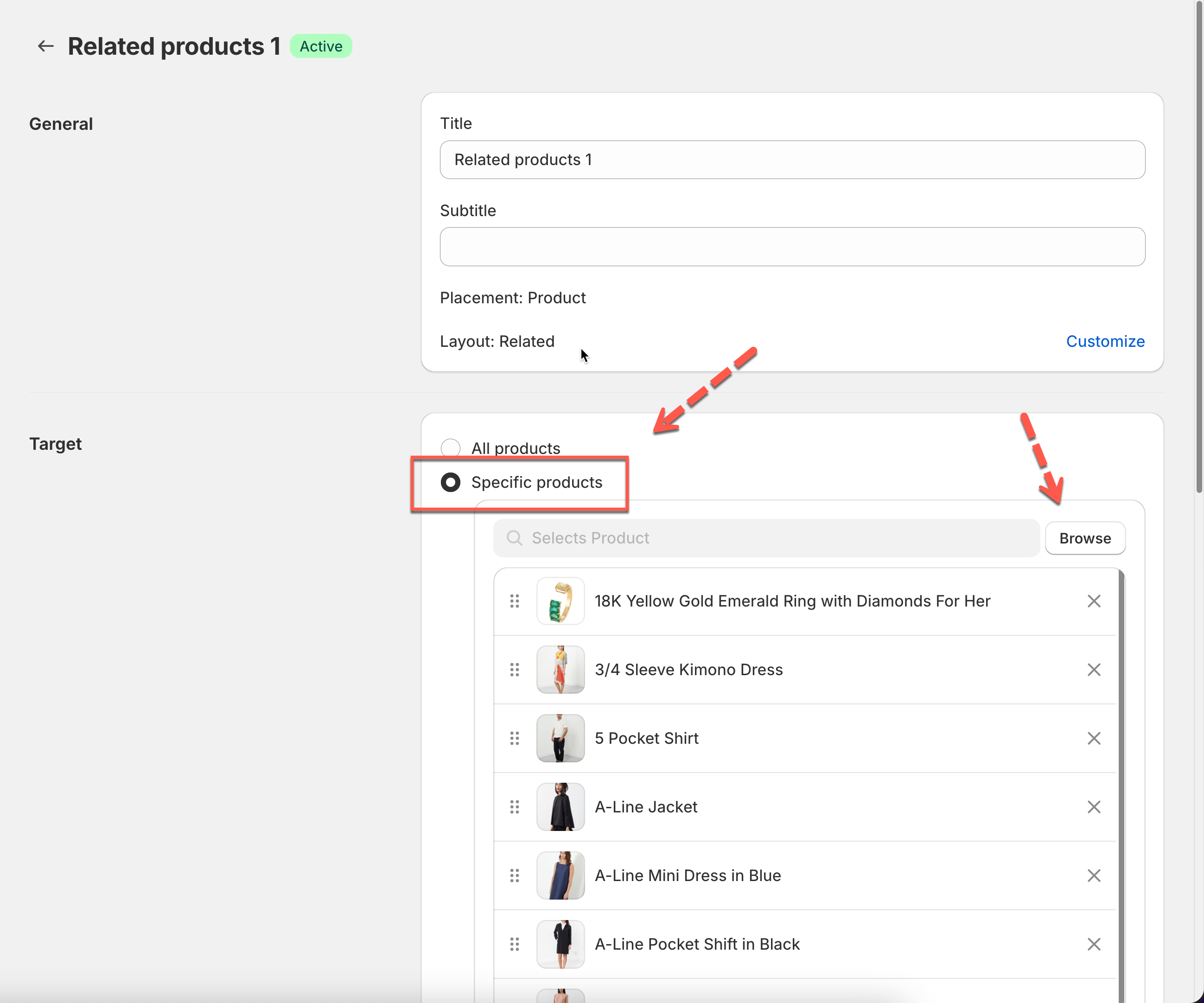
#### Specific products
The widget shows only on products you select.
Best for: high-priority products, bestsellers, or special campaigns.
**Example**\
Show “Frequently Bought Together” only for your **Top 10 bestsellers**.
***
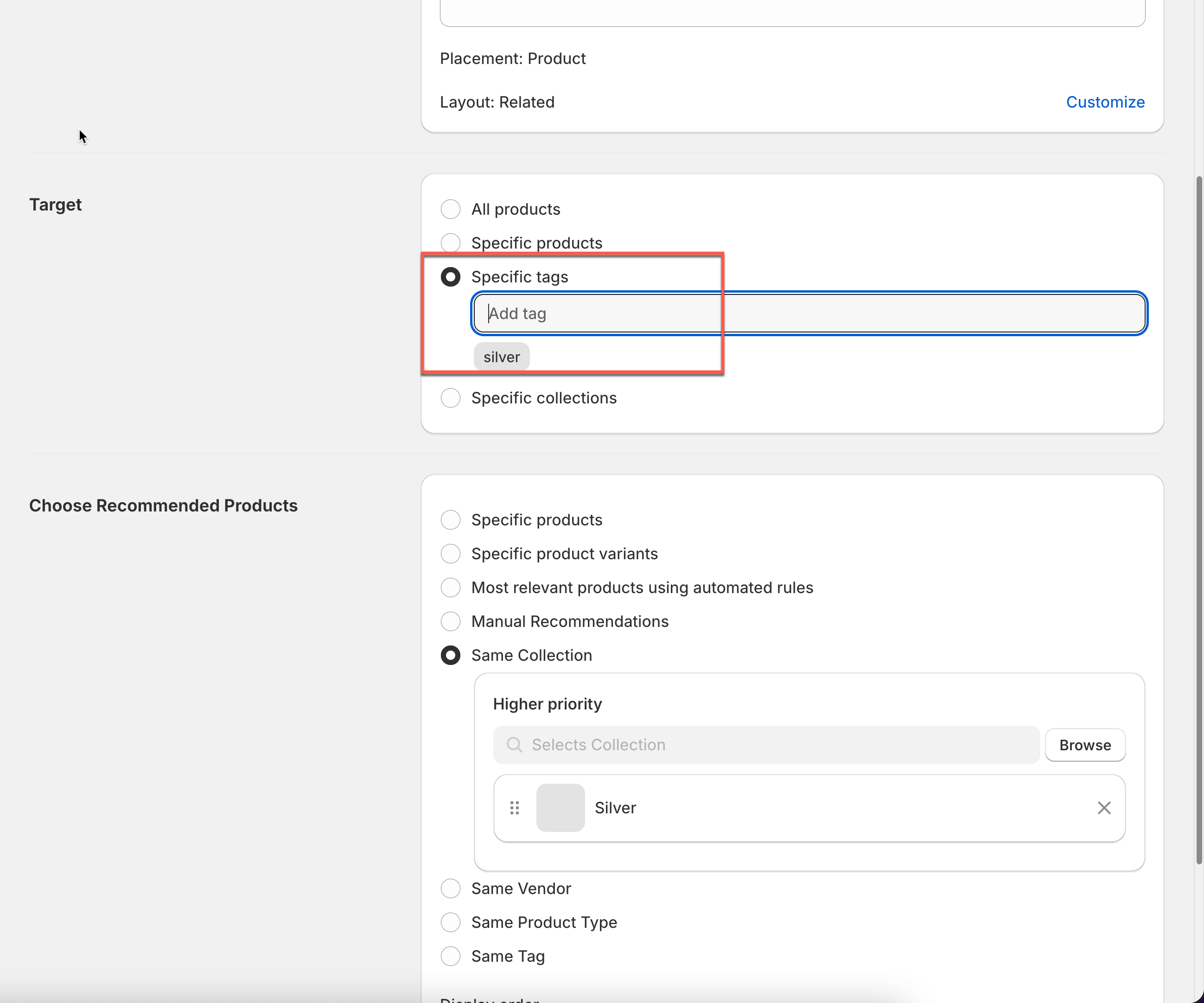
#### Specific tags
The widget shows only on products that have selected **product tags**.
Best for: seasonal groups or product categories you manage with tags.
**Example**\
Tag products with `silver` → show a gift-related widget only on those products.
***
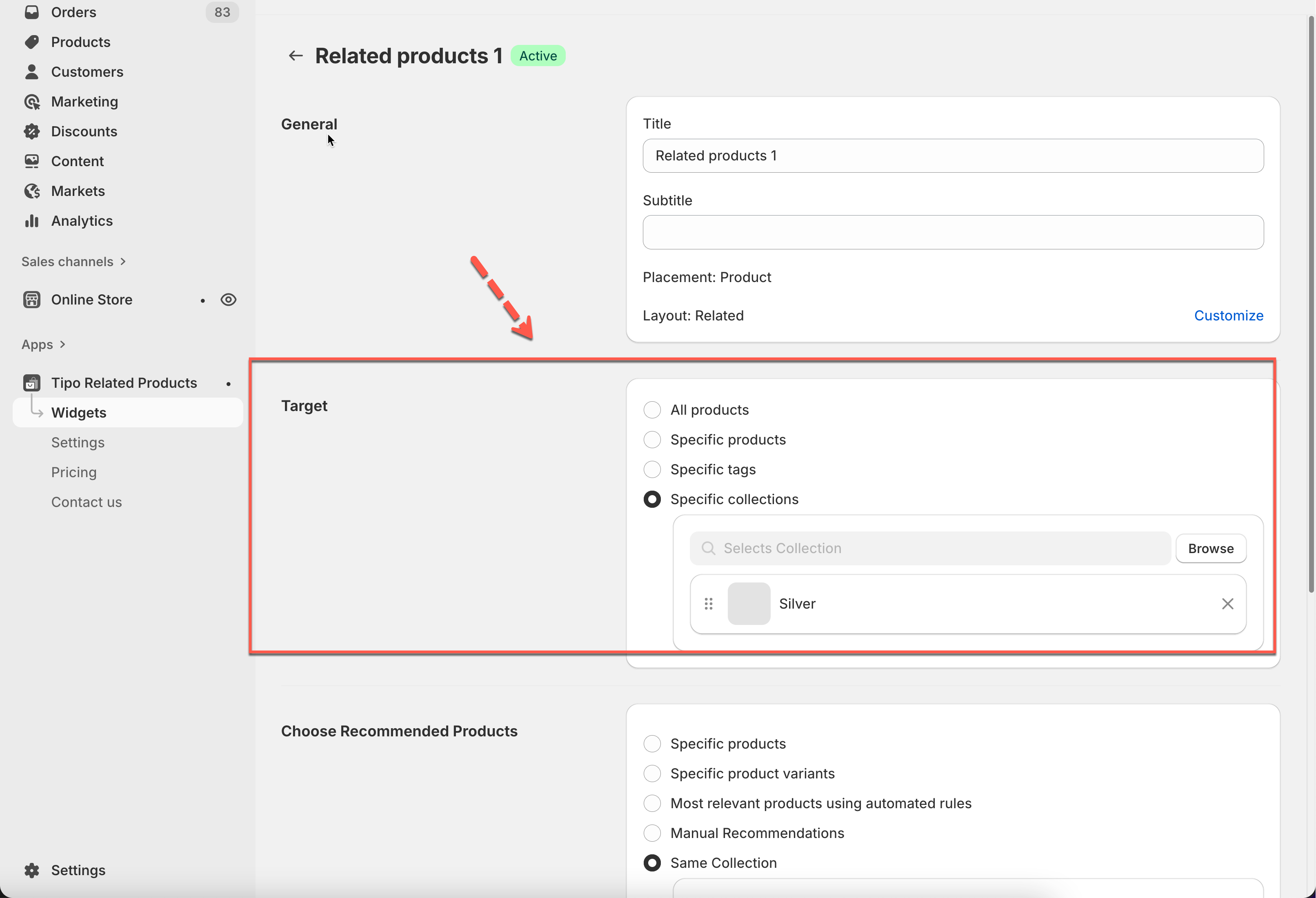
#### Specific collections
The widget shows only on products inside selected **collections**.
Best for: category-level control (Shoes, Skincare, Accessories, etc.)
**Example**\
Show “Related products” only in the **Silver** collection.
***
### 🛠️ Step 1: Open targeting settings
1. Go to the app > click **Widgets**
2. Open the widget you want to configure.
3. In the editor, find the **Target** section
***
### 🛠️ Step 2: Choose where the widget applies
1. Select one target option:
* **All products**
* **Specific products**
* **Specific tags**
* **Specific collections**
2. Select the products/tags/collections (if needed).
3. Click **Save**.
***
### ⚠️ Important notes
* Targeting controls where the widget appears, not what it recommends.
* If you want to control what products are shown inside, go to:\
⇒ **Choose recommended products** (what to show)
**Tip**\
If you create multiple widgets for the same placement, use:
* different targeting rules
* display order (priority)
**🙋 Still need support?**
If you still need help, please feel free to contact us at . We’ll be happy to assist you further.