> For the complete documentation index, see [llms.txt](https://docs.tipo.io/llms.txt). Markdown versions of documentation pages are available by appending `.md` to page URLs; this page is available as [Markdown](https://docs.tipo.io/tipo-auction/~/revisions/PEkBh9esJi9c1nGTtNyz/auction-widget-and-storefront-display/translate-the-auction-widget.md).
# Translate the auction widget
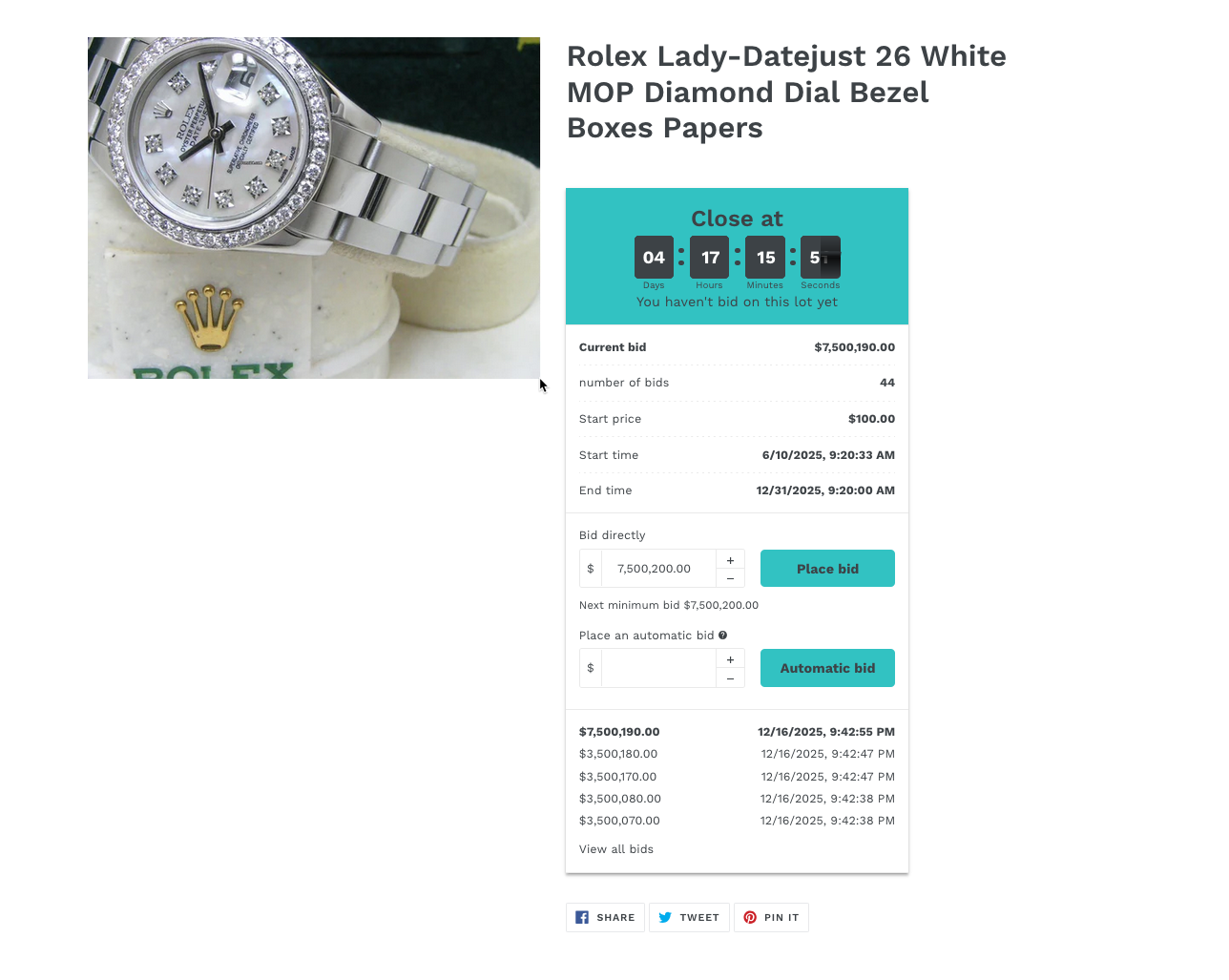
The **auction widget** displays text such as buttons, labels, and messages on your product pages (for example: *Place bid*, *Current bid*, *Auction ended*).
Translating the auction widget allows you to show this text in your store’s language, creating a better experience for international customers.
#### 🛠️ Step-by-step: Translate the auction widget
1. Open the app > click **Settings** > **Translations**
2. Choose the language to edit
You’ll see a list of supported languages or a language selector.
* Click **Add language** icon > select language in the dropdown\
(for example: Vietnamese, French, Spanish)
* The default English text will appear for reference
3. Edit the widget text for Vietnamese version manually
For each text field:
* Replace the default English text with your translation
* Keep the meaning clear and short
4\. Click **Save** to update the changes.
Result:
When you select Vietnamese on your store, the text on the auction widget is translated to Vietnamese.
#### Example: Button translation
**Default text:**\
`Place bid`
**Vietnamese translation:**\
`Đặt giá`
**Result on storefront:**\
Customers see **Đặt giá** instead of *Place bid* on auction products.