> For the complete documentation index, see [llms.txt](https://docs.tipo.io/llms.txt). Markdown versions of documentation pages are available by appending `.md` to page URLs; this page is available as [Markdown](https://docs.tipo.io/tipo-auction/auction-widget-and-storefront-display/theme-integration.md).
# Theme integration
Theme integration allows **Tipo Product Auction** to work correctly with your Shopify theme.\
It ensures the auction widget appears on product pages and that display settings (hide price, hide buttons, etc.) work as expected.
If theme integration is not enabled, the auction widget may not show on the storefront.
### 🛠️ Enable theme integration
1. Open the app **Dashboard** > find **App status**
2. Click **Turn on** button > it directs to the theme editor
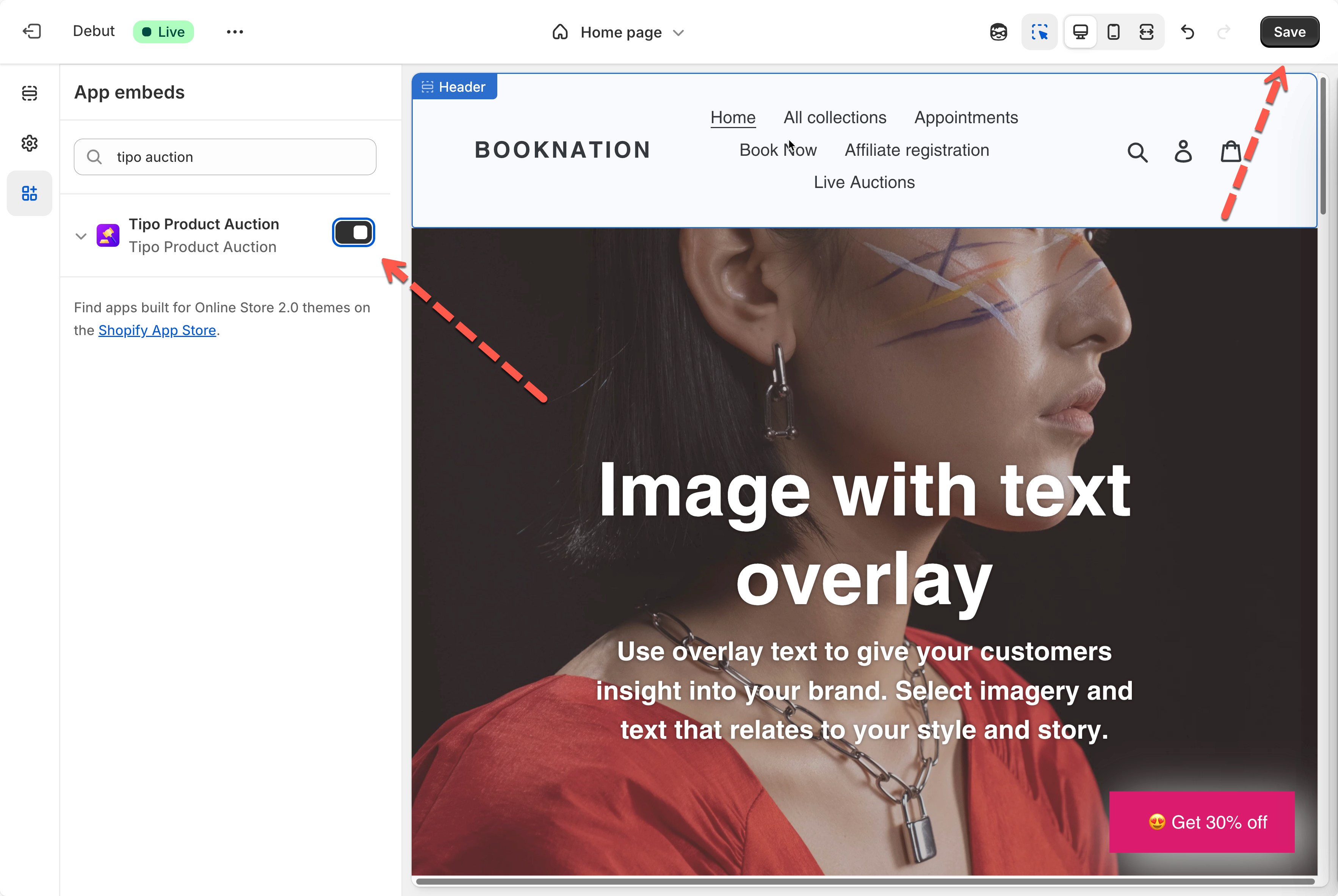
3. In theme editor, activate the app embed of **Tipo Product Auction** app
3\. Click **Save** to update the changes.
#### What happens after enabling?
After theme integration is enabled:
* Auction widgets appear on auction product pages
* Display settings (hide price, hide buttons) start working
* Customers can interact with the auction normally
***
### 🚫 Disable the app embed on the theme
1. Open the app **Dashboard** > find **App status**
2. Click on **Turn off** button > it directs to the theme editor
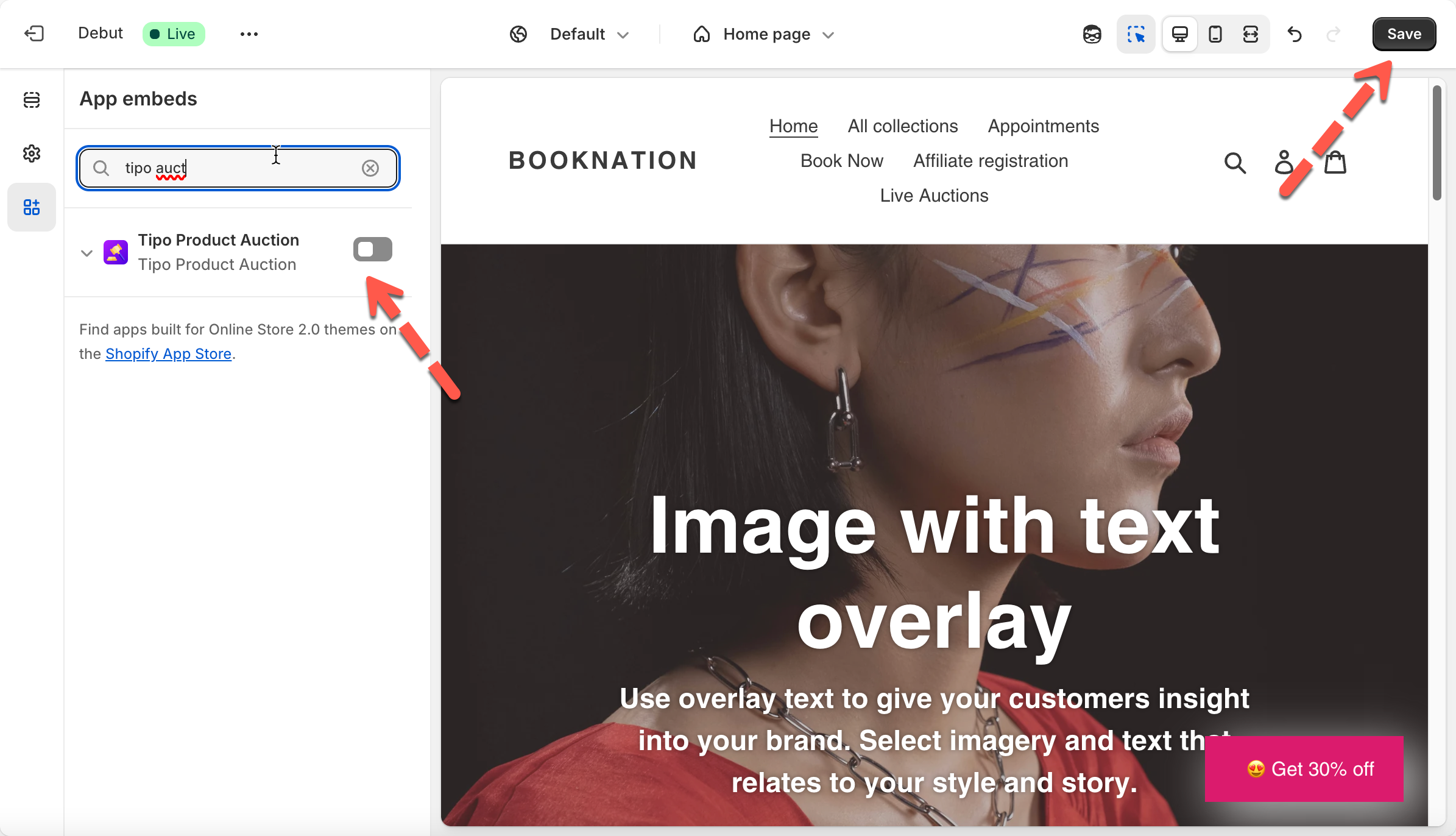
3. In theme editor, deactivate the app embed of **Tipo Product Auction** app
4. Click **Save** to update the changes.
***