# Hide price settings
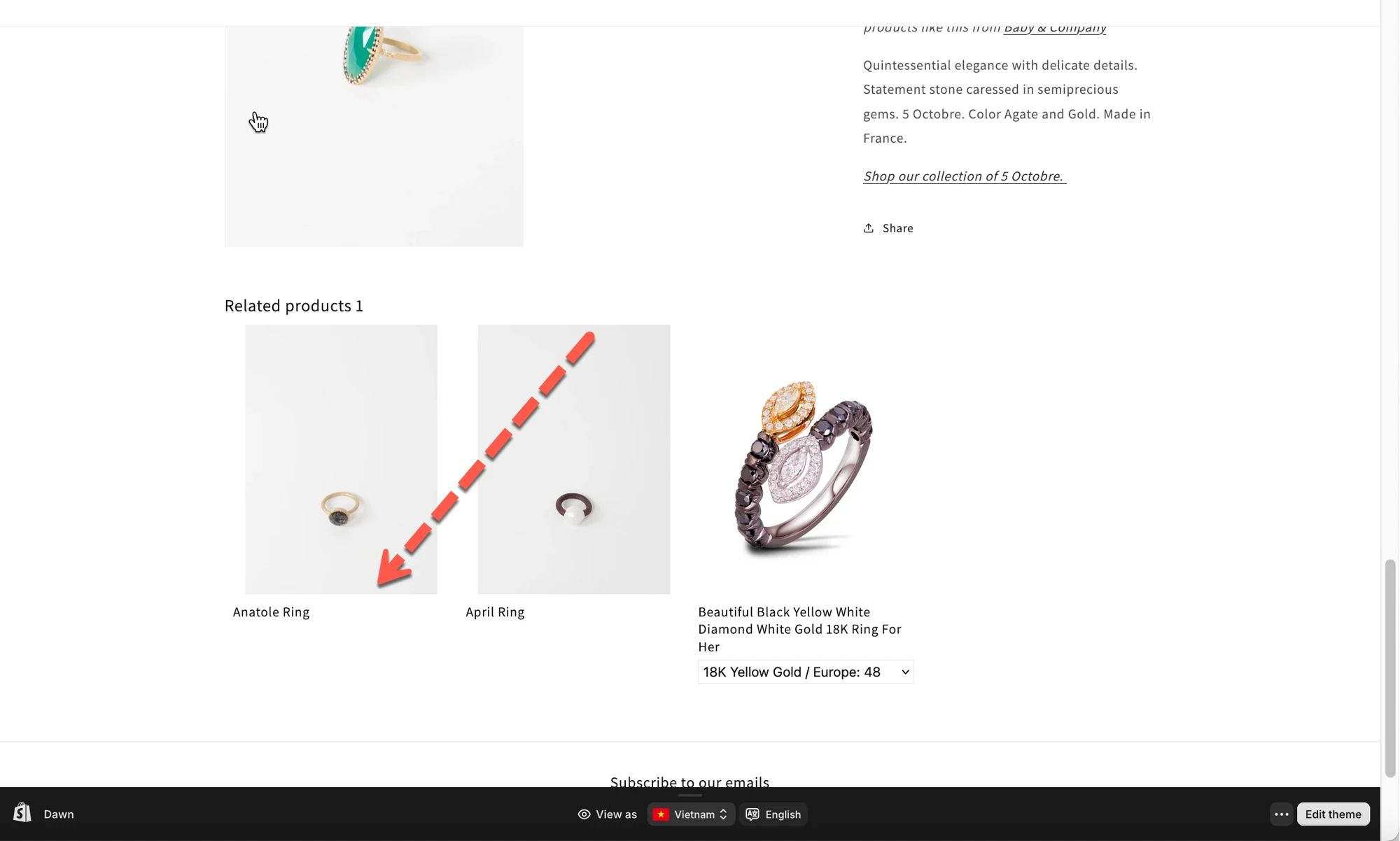
The **Hide price** setting lets you control who can see product prices in the related products widget.
***
#### ✅ Enable Hide Price
**What this option does**
When enabled, product prices in the related products widget are hidden
***
**Steps**
1. Open the app > click **Settings** > **General**
2. Find **Hide price** section > tick on **Enable** checkbox
3. Click **Save**
4. Check the result on the store
***
**🙋 Still need support?**
If you still need help, please feel free to contact us at . We’ll be happy to assist you further.